
How to Optimize IPTV Bandwidth Usage in 2026
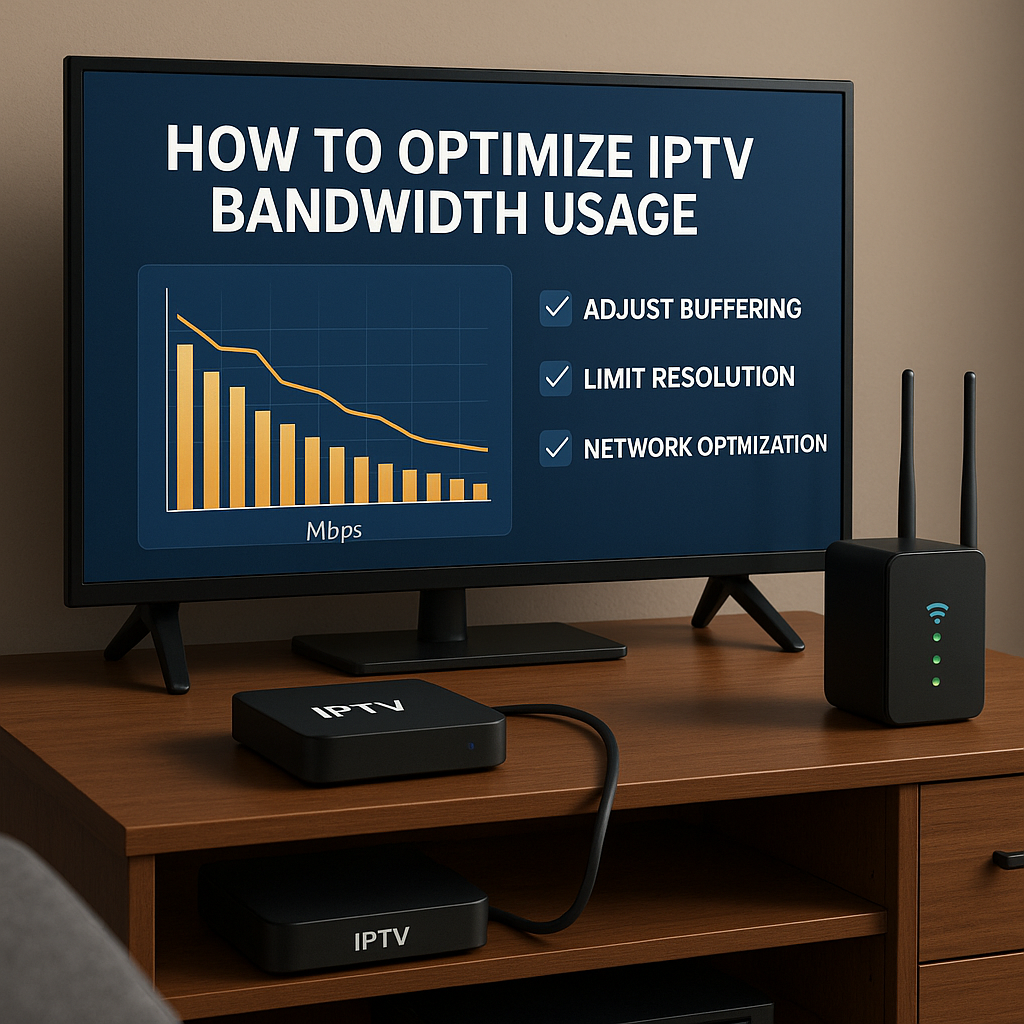
🌐 Introduction: Why Bandwidth Matters in IPTV
In 2026, IPTV is no longer limited to single-screen streaming. Families often run multiple 4K streams across smart TVs, iPhones, tablets, and laptops at the same time. This heavy usage puts massive pressure on household bandwidth.
That’s why learning How to Optimize IPTV Bandwidth Usage in 2026 is essential. Proper optimization reduces buffering, improves picture quality, and ensures everyone in the home enjoys smooth streaming.
⚠️ Why Do We Need IPTV Bandwidth Optimization?
- 4K & 8K Streams: Ultra HD content consumes 20–40 Mbps per stream.
- Multiple Devices: Families often run 4–6 devices at once.
- Background Usage: Downloads, gaming, and video calls compete for bandwidth.
- ISP Limitations: Even “unlimited” plans may throttle heavy streaming.
Without optimization, bandwidth-hungry IPTV can collapse under peak usage. Let’s look at how to prevent that.
🛠️ Step 1 — Start with Accurate Bandwidth Assessment
Before optimizing, measure what you have. Many users don’t know their actual usable bandwidth versus advertised ISP speed.
- Run speed tests during peak hours to see real throughput.
- Measure upload and download speeds as IPTV uses both.
- Use router analytics to track how much bandwidth IPTV consumes.
- Estimate household needs — e.g., 3 streams in 4K may require 75–100 Mbps stable speed.
With this baseline, you’ll know whether your network is sufficient or requires upgrades before diving into IPTV-specific tweaks.
⚙️ Step 2 — Apply Smart Bandwidth-Saving Techniques
Once you know your real bandwidth, the next step is to save it where possible. Even small tweaks can free up capacity for IPTV.
- Adjust Stream Quality: Use 1080p instead of 4K when watching on smaller screens.
- Limit Background Apps: Disable automatic updates, cloud backups, and large downloads during matches.
- Use Data Compression: Some IPTV apps allow compressed streams without losing much quality.
- Set Viewing Priorities: Reserve 4K for main TVs while secondary devices use lower resolutions.
These practices reduce unnecessary consumption, ensuring IPTV stays stable.
📡 Step 3 — Optimize Router Settings
Your router is the heart of home bandwidth management. Properly configured, it can prevent IPTV buffering.
- Enable QoS: Give IPTV apps higher priority over other traffic.
- Dual-Band Wi-Fi: Separate IPTV on 5GHz while leaving 2.4GHz for general browsing.
- Use Wired Ethernet: For Smart TVs and IPTV boxes, cables always beat Wi-Fi.
- Upgrade Firmware: Keep router software updated for better performance.
These adjustments can double streaming stability without extra ISP costs.
📱 Step 4 — Optimize IPTV App Settings
IPTV apps themselves often have options to reduce bandwidth load:
- Bitrate Control: Set streams to “Auto” so they adjust based on real-time connection.
- Limit Connections: Avoid opening the same IPTV account on too many devices at once.
- EPG Sync: Disable constant updates if not needed, as they consume background data.
- Cache Settings: Clear cache regularly to prevent glitches and bandwidth waste.
With smart in-app adjustments, IPTV becomes more efficient and smoother.
🔍 Reality Check: The Limits of Bandwidth Optimization
While optimization techniques can significantly improve IPTV streaming, there are limits. If your ISP caps data or your area has poor infrastructure, even the best tweaks won’t fully eliminate buffering.
- ISP Throttling: Some providers still slow streaming traffic.
- Shared Networks: Large households or apartments may compete for the same bandwidth.
- 4K Demands: Ultra HD streams require massive stable speeds — no shortcut.
- Server Side Issues: Sometimes, the IPTV provider itself is overloaded.
That’s why choosing a reliable IPTV provider is as important as optimizing your own network.
❓ FAQ — IPTV Bandwidth in 2026
1. How much bandwidth do I need for IPTV in 2026?
At least 10 Mbps per HD stream and 25 Mbps per 4K stream is recommended.
2. Does IPTV consume more data than Netflix or YouTube?
Yes, IPTV often streams live channels at constant high bitrates, using more data.
3. Can VPN reduce buffering in IPTV?
Sometimes. VPNs can bypass throttling, but they may also slow speeds if servers are distant.
4. Why does IPTV lag even with high-speed internet?
Likely due to Wi-Fi instability, poor router settings, or overloaded IPTV servers.
5. Should I use wired Ethernet for IPTV?
Yes, wired connections are always more stable than Wi-Fi for IPTV boxes and Smart TVs.
6. How can I stop multiple devices from draining bandwidth?
Enable router QoS and set IPTV as priority traffic.
7. Is unlimited internet enough for IPTV?
Not always — ISPs may throttle speeds after heavy usage even on unlimited plans.
8. Can IPTV run smoothly on mobile data?
Yes, but only on strong 4G/5G networks and lower resolutions to save data.
9. What router is best for IPTV in 2026?
Wi-Fi 6/6E routers with strong QoS and dual-band support are ideal.
10. How can I future-proof my IPTV setup?
Invest in mesh Wi-Fi, gigabit internet, and a premium IPTV provider with stable servers.
✅ Final Verdict
Optimizing IPTV bandwidth in 2026 isn’t just about speed — it’s about smart resource management. From adjusting stream quality to configuring routers, small changes can create a smoother, buffer-free experience.
But the most critical factor remains your IPTV provider. For stable streams, minimal buffering, and premium sports/entertainment channels, upgrade today 👉 Premium IPTV Subscription .





