Safe iCAM OSCam EMU Loading on Popular Receivers [2025 Edition]
Safe iCAM OSCam EMU Loading on Popular Receivers [2025 Edition]
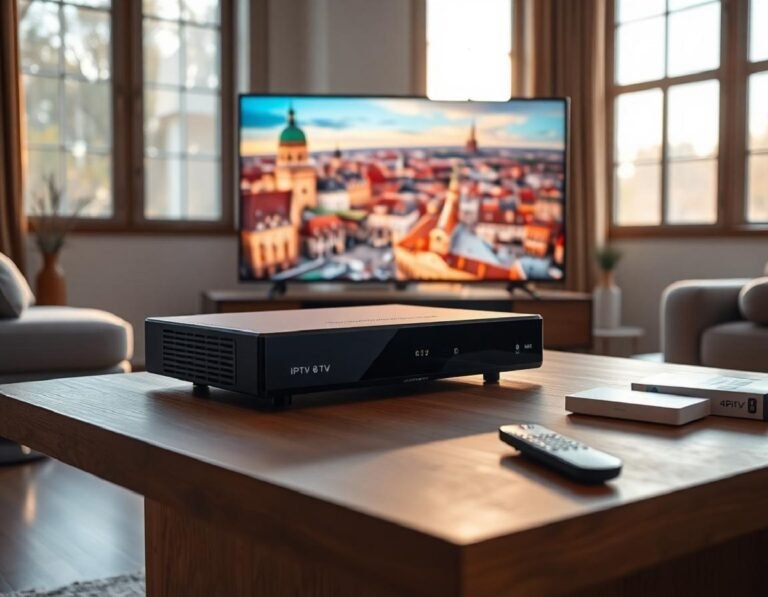
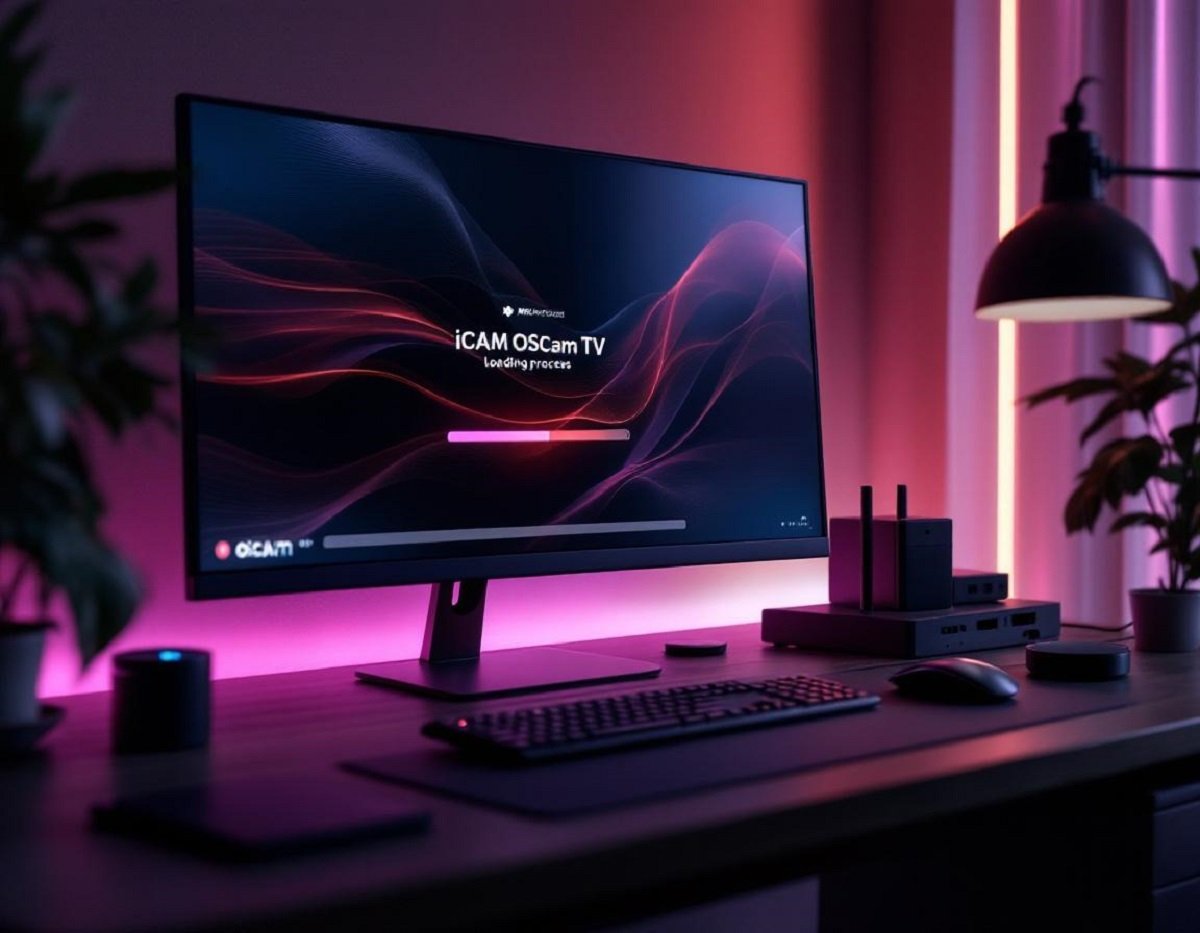
Picture yourself in a living room where midweek evenings glow with the colors from a big-screen TV, a modern receiver nestled close by. Satellite TV setups have moved far beyond the old rabbit ears and basic cable. Advanced receivers now unlock channels and features once thought out of reach for many homes. As more users chase high-definition feeds, secure configuration of tools like iCAM OSCam EMU stands out as a key step for anyone wanting smooth, private satellite TV in 2025.
This year, protecting your equipment and data isn’t just for tech experts. Loading EMU packages safely matters just as much as picking the right TV. Whether you’re chasing football matches in 4K, diving into global film releases, or just seeking reliability, how you set up your receiver can be the difference between nonstop entertainment and headaches.
Understanding iCAM OSCam EMU and Receiver Compatibility
 Photo by Roberto Nickson
Satellite receiver tech can feel like a jungle—but knowing a few basics about iCAM OSCam EMU and which devices work best with it simplifies the experience. Start with the right base, and the rest falls into place.
What Is iCAM OSCam EMU?
iCAM OSCam EMU is a software module that helps certain satellite receivers decode encrypted TV channels. It acts much like a digital bridge, allowing your box to open content that wouldn’t normally show up without special access.
Instead of juggling clunky cards or legacy hardware, many viewers rely on EMU (short for “emulator”) software like OSCam, which adapts swiftly as channels and providers change technology. In 2025, iCAM support has become expected, since it boosts channel access, supports multiple encryption methods, and helps keep builds compact and fast.
Key benefits of iCAM OSCam EMU:
- Gives more control over your channel lineup
- Reduces hardware clutter (less need for extra cards or dongles)
- Easy to update, keeping pace as providers tweak signals
It’s popular because it cuts down on frustration, keeps costs low, and helps users enjoy a vast channel range without making their living space look like a server room.
Popular Receivers and Support in 2025
Not every receiver shines equally with iCAM OSCam EMU. A few names keep popping up as user favorites for good reason:
- Vu+: Known for reliability and deep software support
- Dreambox: Flexible, with plenty of community guides for both beginners and advanced tinkerers
- Octagon: Blend of price and performance, with frequent firmware updates
For smooth sailing, make sure your receiver:
- Runs on a recent Enigma2 image (like OpenATV, OpenPLI, or VTi)
- Has at least 256MB RAM (512MB or more is better for advanced features)
- Receives ongoing firmware/security updates from the vendor
Check user forums, official sites, and update logs to confirm compatibility before starting.
Ensuring Safe and Clean Files
When loading software, treat your receiver like your main computer. Download OSCam EMU bundles only from trusted community sources or official project pages. Files from random links can hide malware or faulty code. Use antivirus scanners on new EMU files, even if they come highly recommended.
Stay up to date on firmware, too. Outdated operating systems may have security flaws. A little digital hygiene keeps your streaming dreams alive and your home network out of harm’s way.
Safe file tips:
- Avoid unknown file-sharing services and social media links
- Double-check file sizes and digital signatures when possible
- Back up receiver settings before major upgrades
Step-by-Step Guide: Loading iCAM OSCam EMU Safely
No need for tech jargon. Setting up your system right the first time brings peace of mind. Simple habits, clear steps, and you’ll be watching your favorite shows without stress.
Preparing Your Receiver for EMU Loading
Treat installation as you would a car tune-up. Do a little prep, and the rest tends to run smoother.
- Backup your receiver: Use your Enigma2 backup tool to save settings, channel lists, and plugins.
- Check network connections: Wired ethernet is best for stability, but a strong Wi-Fi signal works too.
- Update firmware: Head to your receiver’s “Software Update” section. Grab the latest build—this fixes bugs and protects against old threats.
- Clean up storage: Remove any old or unused plugins. Give your receiver space to breathe.
If anything goes sideways, you’ll have a backup ready to restore, and your equipment won’t be stuck in limbo.
Securing and Verifying the EMU Package
Resist shortcuts with downloads. Always verify:
- File source: Stick to official repos or large forums (like OpenATV’s plugin feeds or trusted user-made builds).
- Virus scan: Run a scan on your PC before transferring files to the receiver.
- Check file integrity: If possible, compare the MD5 or SHA1 hash provided by the author to your own downloaded file. Any mismatch is a red flag.
This step slams the door on most digital threats before they can get in.
Install Process and Troubleshooting Tips
Walk through these steps for a smooth EMU load:
- Copy EMU package: Use FTP software (like FileZilla) to send the OSCam EMU IPK file to the
/tmpfolder on your receiver. - Install package: On your receiver’s remote, access the plugin menu and select “Install local extension” or a similar option. Choose your file and confirm.
- Reboot receiver: Restart to clear any leftover settings.
- Configure OSCam: Head into the OSCam settings in the plugin list. Fill in provider info, tweak access, and double-check the softcam is active.
- Test channels: Scroll through encrypted channels to spot any issues.
Troubleshooting quick fixes:
- If a channel won’t open, make sure you entered the correct EMU configuration.
- For freezing or slow performance, restart both the receiver and your router.
- If the EMU installation fails, try a different build or update your Enigma2 image.
Conclusion
Bringing iCAM OSCam EMU to your favorite receiver is a chance to unlock more content and get the most from your investment. Just a little patience up front—picking safe files, keeping things current, and making backups—sets you up for years of reliable service.
Stay curious, download only from trusted spots, and don’t skip those update reminders. As satellite TV tech keeps moving, your secure setup keeps you front and center. Happy watching!