Sky Go App Crashing on Windows 11 Fix Guide
Estimated reading time: 18 minutes.
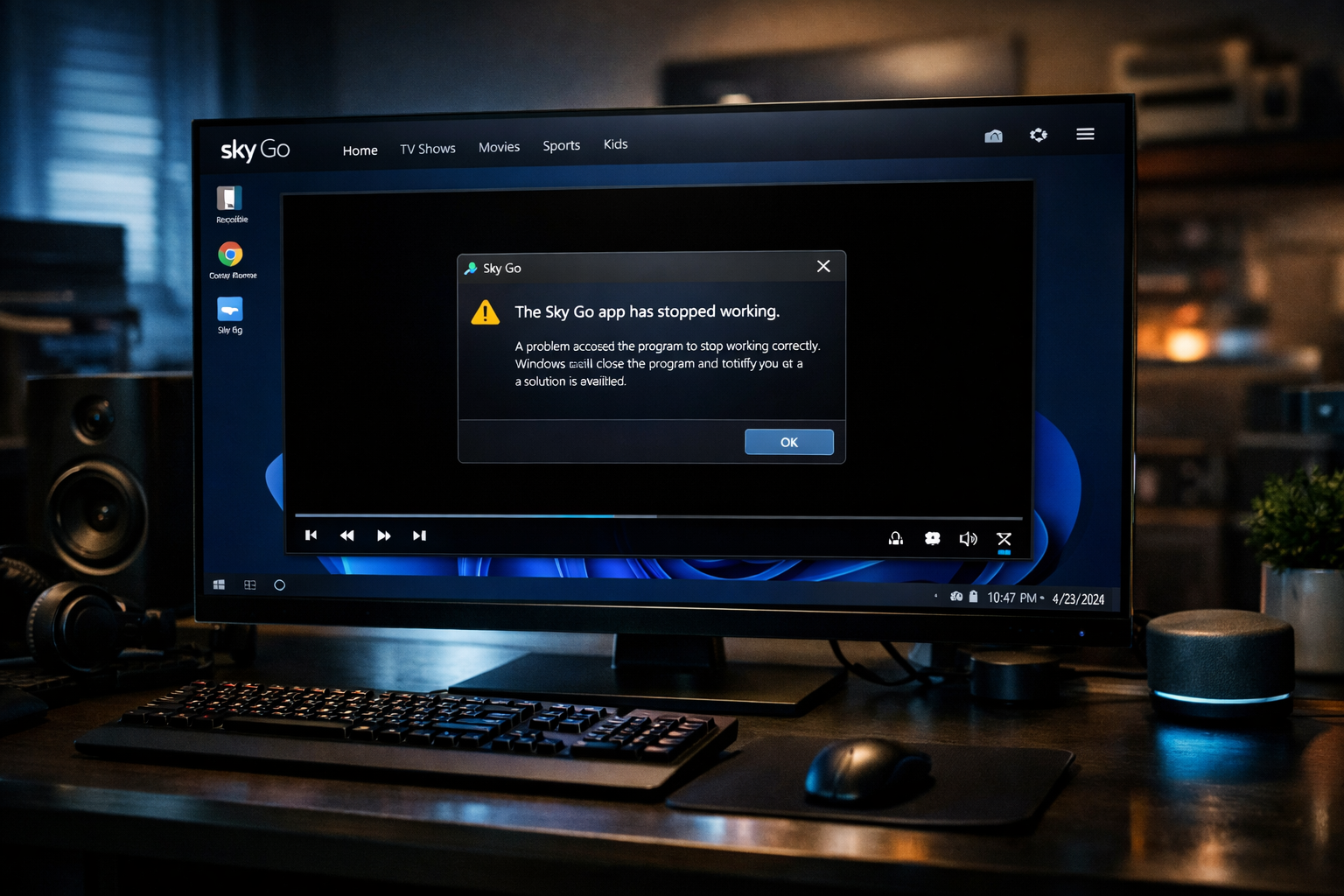
Application crashes are among the most disruptive problems viewers experience while using Sky Go on Windows 11. The app may close unexpectedly during startup, stop responding when loading a channel, or terminate completely while streaming. Unlike buffering or playback errors, a crash indicates that the application itself has stopped functioning at the system level.
Modern streaming applications rely on several system components simultaneously. The operating system manages memory allocation, the graphics engine renders video frames, the network stack receives streaming data, and the application coordinates these elements. If one of these layers becomes unstable, the program may exit unexpectedly to prevent further system errors.
Quick Context
This guide explains why the Sky Go application may crash on Windows 11 and how memory behavior graphics drivers system resources and application stability influence streaming performance.
- What an application crash actually means
- How Windows manages application stability
- Memory allocation and application behavior
- Graphics drivers and hardware interaction
- Processor workload and system pressure
- Network activity during streaming
- Software updates and compatibility
- Why crashes sometimes occur on specific streams
- Practical steps to diagnose app crashes
- Typical crash scenarios
- Reality Check
- Final Verdict
- Frequently Asked Questions
What an application crash actually means
When Sky Go crashes on Windows 11, the operating system typically closes the application because it encountered an internal error it could not recover from. This may happen when the program attempts to access memory incorrectly, fails to communicate with a required system component, or encounters an unexpected runtime condition.
Unlike simple playback errors, crashes occur at the application level. The program may stop responding entirely before the system closes it automatically.
Crashes can occur during application startup, while loading a stream, or during long viewing sessions.
Understanding when the crash occurs helps identify which component of the streaming pipeline might be responsible.
How Windows manages application stability
Windows 11 uses a structured process model that isolates applications from each other. Each program runs within its own memory space and communicates with the operating system through controlled interfaces.
If the operating system detects that an application has entered an unstable state, it may terminate the process to prevent broader system problems.
This protective behavior ensures that a single application failure does not compromise the entire operating system.
Although this can appear abrupt to the viewer, it helps maintain overall system stability.
Memory allocation and application behavior
Streaming video requires continuous memory usage for buffering, decoding, and rendering frames. The application must allocate and release memory rapidly as new video segments arrive.
If the program encounters an unexpected memory allocation failure or attempts to access invalid memory, the operating system may terminate the process.
Memory related crashes often occur when the system is under heavy load or when several large applications run simultaneously.
Ensuring sufficient available memory can improve overall application stability.
Graphics drivers and hardware interaction
Graphics drivers act as the interface between applications and the graphics processor responsible for rendering video frames. If the driver behaves unexpectedly or becomes incompatible with the application, the program may crash during video rendering.
Video streaming relies heavily on the graphics subsystem, especially when hardware acceleration is enabled. Any instability in this layer can propagate to the application level.
In some cases crashes occur only when playback begins because that is the moment the application first interacts intensively with the graphics engine.
Maintaining stable graphics drivers helps prevent many streaming related crashes.
Processor workload and system pressure
The processor handles multiple tasks simultaneously during streaming. It manages network requests, decodes compressed video data, and coordinates system resources.
If the CPU becomes overloaded by background processes or heavy multitasking, the streaming application may fail to maintain stable operation.
Under extreme system pressure the application may stop responding or terminate unexpectedly.
Monitoring system workload during streaming can help determine whether processor limitations contribute to application crashes.
Network activity during streaming
Streaming applications continuously exchange data with remote servers. Each video segment must be requested, downloaded, decoded, and displayed in rapid succession.
Although network issues typically cause buffering rather than crashes, extreme interruptions during stream initialization may produce unexpected behavior in the application.
If the program cannot recover from a failed streaming request, it may exit unexpectedly.
Stable network communication therefore contributes indirectly to application reliability.
Software updates and compatibility
Application updates and operating system updates sometimes introduce compatibility changes. If an application relies on older system components that behave differently after an update, stability problems may appear.
This can lead to crashes that occur only on certain system configurations.
Maintaining updated software ensures that the application interacts correctly with the operating system and hardware environment.
Compatibility improvements in newer versions often resolve previously observed crash conditions.
Why crashes sometimes occur on specific streams
Certain video streams may use higher bitrates or more complex encoding profiles. While modern systems usually handle these formats without difficulty, weaker systems may struggle to process them efficiently.
If decoding becomes unstable during playback, the application may encounter unexpected conditions that cause it to terminate.
This is why viewers sometimes report crashes only when opening particular channels or programmes.
The difference usually reflects decoding complexity rather than service availability.
Practical steps to diagnose app crashes
When investigating application crashes, the first step is identifying when the crash occurs. If the app crashes immediately on launch, the issue may involve initialization or compatibility problems.
If the crash occurs when starting playback, graphics rendering or video decoding may be involved.
Crashes that appear after extended viewing sessions may indicate memory pressure or system resource exhaustion.
Carefully observing these patterns helps determine the most likely cause.
Typical crash scenarios
| Scenario | Possible cause | Recommended check |
|---|---|---|
| App closes when playback starts | Graphics driver instability | Review graphics drivers |
| Crash occurs after long viewing session | Memory pressure | Check system resource usage |
| App fails immediately on launch | Software compatibility issue | Review system updates |
| Crash occurs on specific channels | High decoding workload | Observe CPU usage |
Reality Check
Most Sky Go crashes on Windows 11 originate from local system conditions such as driver instability, system resource limitations, or software compatibility issues rather than from the streaming service itself.
Final Verdict
Final Verdict
Application crashes in Sky Go on Windows 11 usually occur when system level components fail to support stable streaming operations. Graphics drivers, memory availability, processor workload, and software compatibility all influence how reliably the application runs. By understanding the interaction between the streaming application and the Windows system environment, viewers can better identify the underlying cause of unexpected crashes and maintain stable streaming performance.
Frequently Asked Questions
| Question | Answer |
|---|---|
| Why does the Sky Go app crash on Windows 11 | Crashes usually occur due to system resource limitations, graphics driver instability, or application compatibility issues. |
| Can graphics drivers cause streaming apps to crash | Yes. The graphics subsystem plays a critical role in video decoding and rendering. |
| Does system performance affect app stability | Yes. High CPU load or insufficient memory may lead to application instability. |
| Why do crashes happen only on certain channels | Different video streams require different decoding workloads which may affect weaker systems. |