Sky Go Lag vs Buffering Differences Explained
Estimated reading time: 22 minutes.
When watching Sky Go on Windows 11, many users describe performance issues using terms like lag and buffering as if they mean the same thing. In reality, these two problems are completely different, even though they can sometimes appear similar on the surface.
Understanding the difference between lag and buffering is essential if you want to diagnose streaming problems correctly. Each issue has its own technical cause, its own behavior, and its own solution. Misidentifying the problem often leads to ineffective troubleshooting.
Quick Context
This guide explains the difference between lag and buffering in Sky Go on Windows 11 and how network latency data delivery buffering mechanisms and system performance affect streaming behavior.
- What buffering means in streaming
- What lag means in streaming
- Key differences between lag and buffering
- How buffering actually works
- How latency creates lag
- Network behavior behind each issue
- System performance and its role
- Adaptive streaming influence
- How to visually identify each problem
- Practical diagnosis steps
- Lag vs buffering comparison table
- Reality Check
- Final Verdict
- Frequently Asked Questions
What buffering means in streaming
Buffering occurs when the video player does not have enough data to continue playback. The system pauses the video to load additional data into the buffer.
During buffering, playback stops completely. A loading indicator or spinning icon usually appears.
This happens when the incoming data rate is lower than the playback requirement.
Buffering is directly related to data availability.
What lag means in streaming
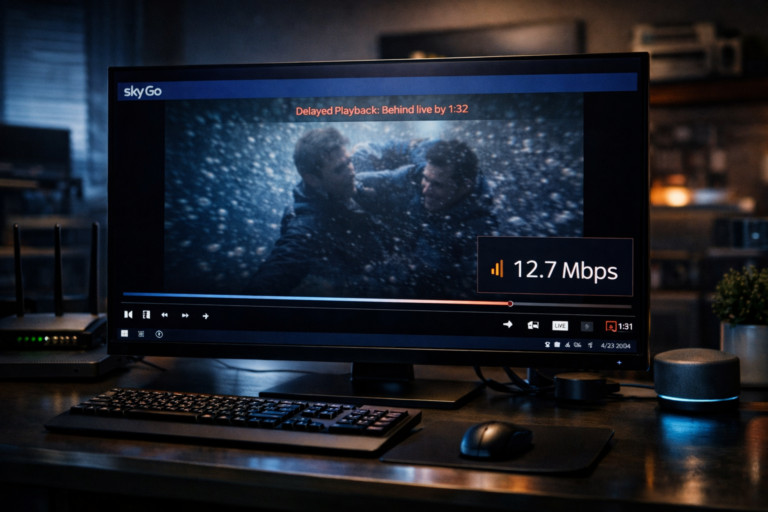
Lag refers to a delay between the actual live event and what you see on your screen. The video continues to play, but it is behind real time.
Lag does not stop playback. Instead, it introduces delay.
This is common in live streaming where data must be buffered before playback.
Lag is primarily caused by latency.
Key differences between lag and buffering
The main difference is simple. Buffering stops playback while lag delays it.
Buffering is caused by insufficient data. Lag is caused by delayed data.
Buffering is visible as pauses. Lag is visible as delay compared to live events.
Understanding this distinction is critical for troubleshooting.
How buffering actually works
The video player maintains a buffer of upcoming data. This buffer allows playback to continue even if data delivery fluctuates.
If the buffer runs out, playback pauses until more data arrives.
The size of the buffer determines how long playback can continue without new data.
Buffering is a protective mechanism against unstable connections.
How latency creates lag
Latency is the time it takes for data to travel from the server to your device. Higher latency means longer delays.
In streaming, data must be buffered before playback begins. This introduces delay.
Even with a fast connection, high latency can cause noticeable lag.
Latency affects responsiveness rather than continuity.
Network behavior behind each issue
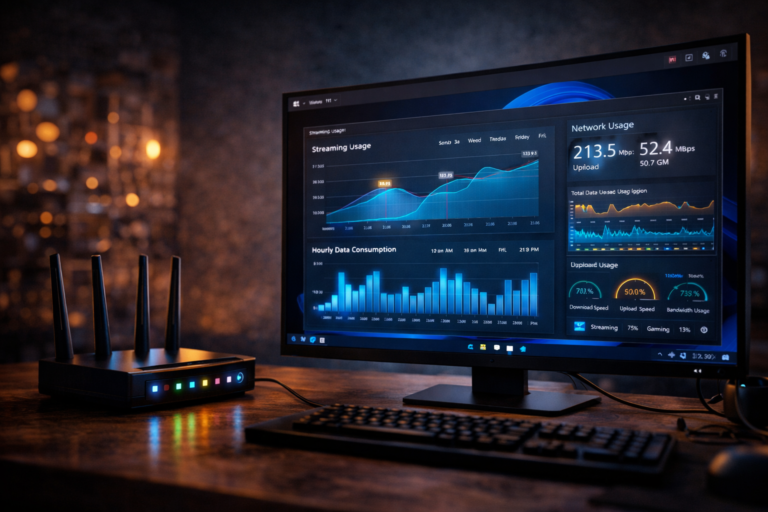
Buffering occurs when bandwidth is insufficient or unstable. Data arrives too slowly or inconsistently.
Lag occurs when latency is high. Data arrives with delay but at a steady rate.
Both issues are network related but involve different characteristics.
Bandwidth and latency play separate roles in streaming performance.
System performance and its role
While buffering is mainly network related, system performance can also influence it. Slow processing may delay data handling.
Lag can also be affected by system processing delays.
If the system cannot process frames quickly, delay may increase.
System efficiency contributes to overall streaming behavior.
Adaptive streaming influence
Sky Go uses adaptive streaming to adjust video quality based on network conditions. This helps reduce buffering by lowering bitrate.
However, it does not eliminate lag because latency remains unchanged.
Adaptive streaming prioritizes continuity over real time delivery.
This balance affects how both issues appear.
How to visually identify each problem
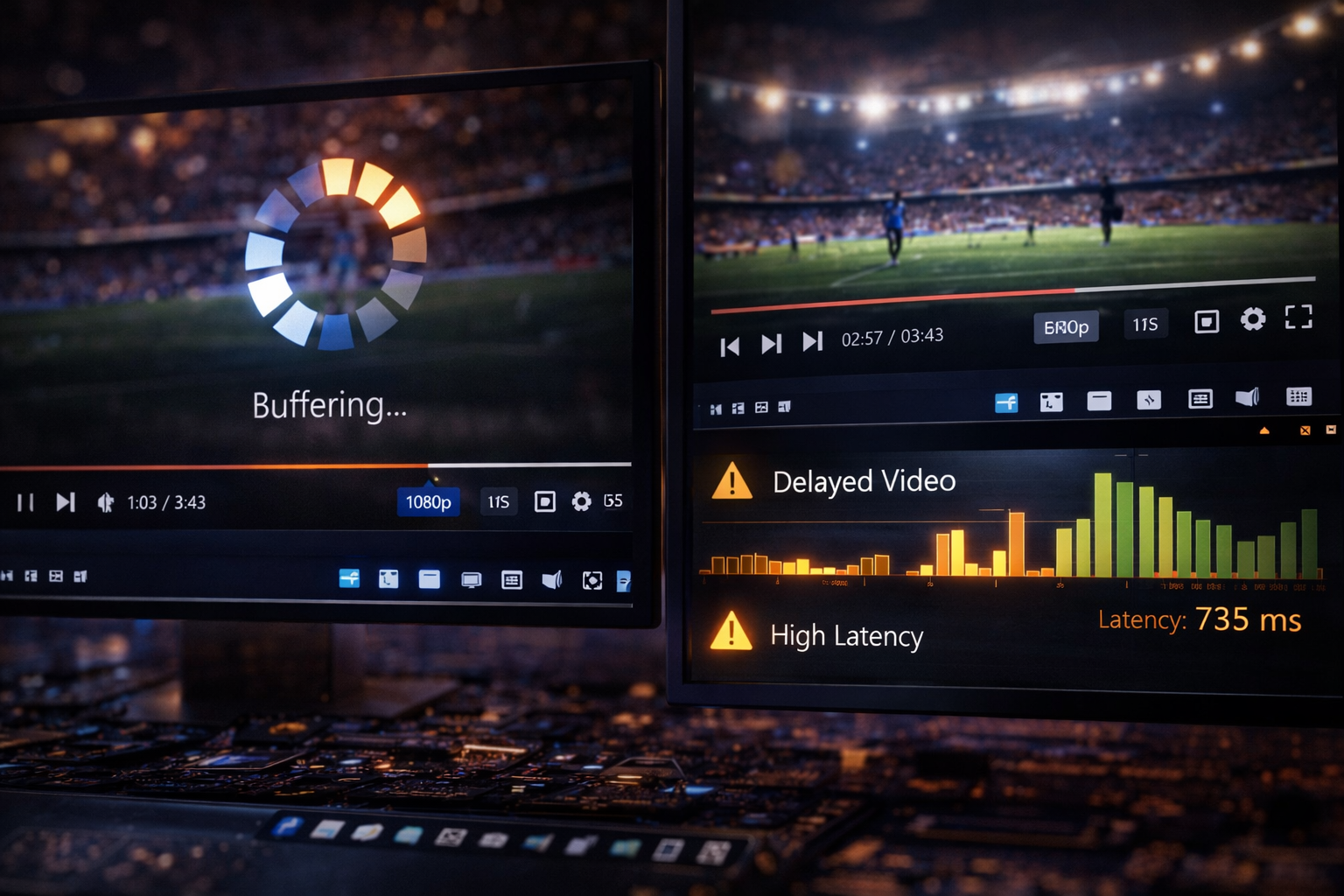
Buffering is easy to identify because playback stops and a loading indicator appears.
Lag is less obvious. The video plays normally but is delayed compared to real time.
In live events, lag becomes noticeable when comparing multiple devices.
Recognizing these patterns helps diagnose the issue.
Practical diagnosis steps
If playback stops frequently, buffering is the issue. Check bandwidth and connection stability.
If playback is smooth but delayed, lag is the issue. Check latency and network routing.
Testing under different conditions helps identify the cause.
Accurate diagnosis leads to effective solutions.
Lag vs buffering comparison
| Aspect | Lag | Buffering |
|---|---|---|
| Playback behavior | Continuous but delayed | Stops temporarily |
| Main cause | High latency | Low or unstable bandwidth |
| User experience | Behind real time | Interrupted playback |
| Solution focus | Reduce latency | Improve bandwidth stability |
Reality Check
Lag and buffering are different problems with different causes. Misunderstanding them often leads to incorrect troubleshooting and ineffective solutions.
Final Verdict
Final Verdict
Sky Go lag and buffering on Windows 11 represent two distinct aspects of streaming performance. Buffering is caused by insufficient or unstable data delivery, while lag is caused by delayed data arrival. Understanding this difference allows users to identify issues more accurately and apply the correct technical solutions based on network and system behavior.
Frequently Asked Questions
| Question | Answer |
|---|---|
| Is lag the same as buffering | No lag is delay while buffering is playback interruption. |
| What causes buffering | Usually unstable or slow data delivery. |
| What causes lag | High latency and delayed data transmission. |
| Can both happen together | Yes unstable networks can cause both lag and buffering. |