Sky Go Slow Streaming on Windows 11 Explained
Estimated reading time: 18 minutes.
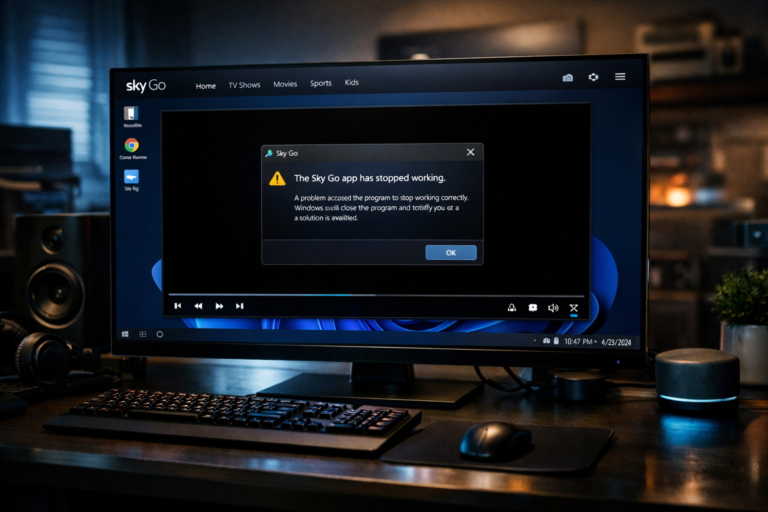
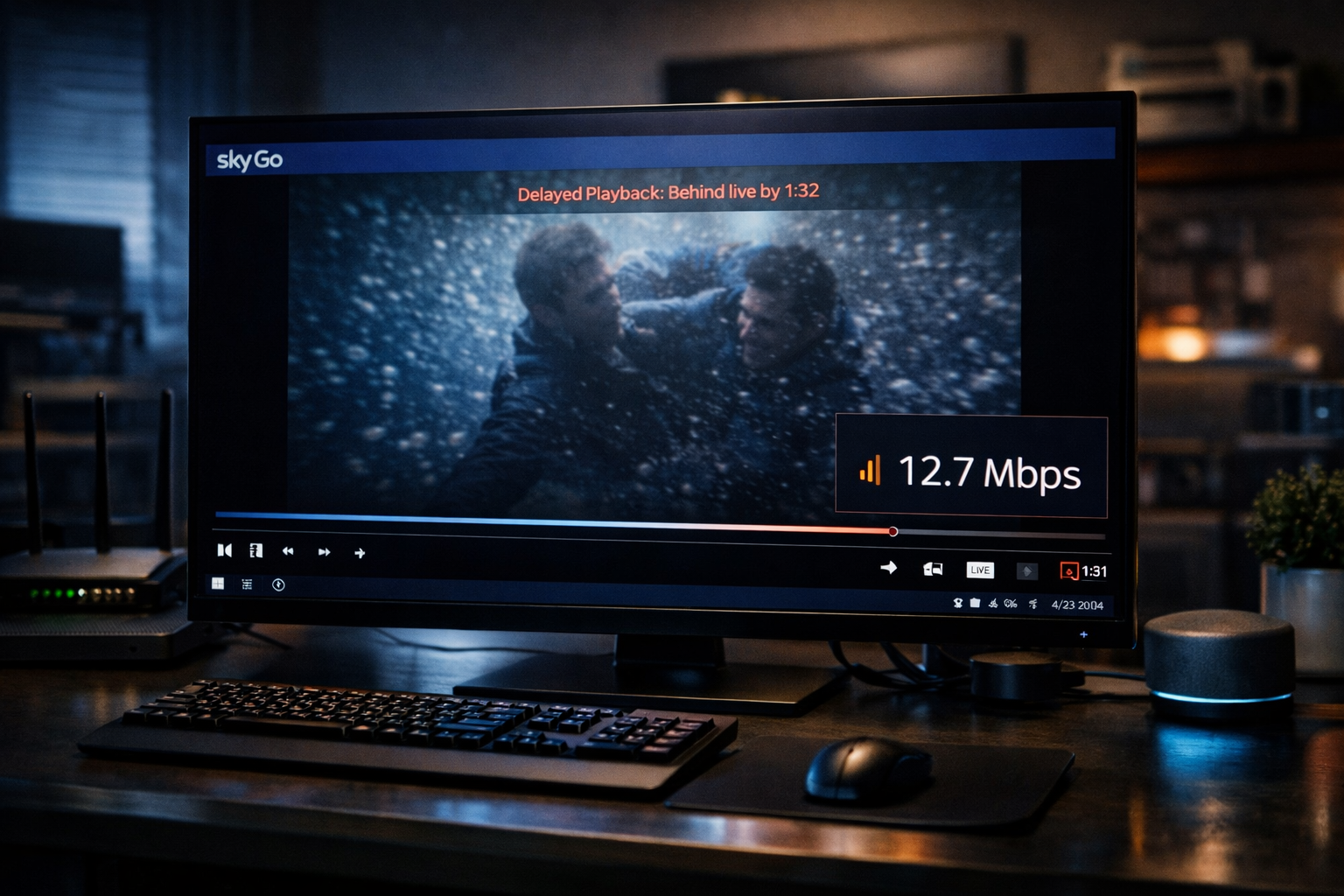
Slow streaming on Sky Go in Windows 11 is one of the most common issues users experience. The video may take longer to start, pause frequently, or drop in quality during playback. In some cases, the stream feels delayed compared to real time broadcasts, especially during live events.
This behavior is usually not caused by a single factor. Streaming speed depends on a combination of network conditions, system performance, and how the application adapts to changing conditions. Unlike traditional broadcasting, streaming adjusts dynamically based on available resources, which means performance can vary continuously.
Quick Context
This guide explains why Sky Go streams slowly on Windows 11 and how bandwidth system load adaptive streaming and background activity influence playback speed.
- What slow streaming actually means
- How adaptive streaming works
- Network bandwidth and stability
- Latency and real time delay
- System performance impact
- Background activity and bandwidth usage
- Quality switching and buffering behavior
- Wireless vs wired connections
- How to diagnose slow streaming
- Typical slow streaming scenarios
- Reality Check
- Final Verdict
- Frequently Asked Questions
What slow streaming actually means
Slow streaming does not always mean the video is paused. It can refer to delayed playback, reduced quality, or frequent interruptions during viewing.
In streaming systems, the video is delivered in segments. These segments must arrive in time to maintain continuous playback.
If the system cannot receive or process these segments quickly enough, playback slows down or pauses.
This behavior reflects limitations in data delivery or processing.
How adaptive streaming works
Sky Go uses adaptive streaming technology to adjust video quality based on available conditions. The system monitors bandwidth and system performance continuously.
If conditions are strong, higher quality video is delivered. If conditions weaken, the system reduces quality to maintain playback.
This process helps prevent complete interruptions but may result in visible quality changes.
Slow streaming often occurs when the system is constantly adjusting between different quality levels.
Network bandwidth and stability
Bandwidth determines how much data can be transferred at a given time. High resolution video requires more bandwidth than lower quality streams.
If available bandwidth is limited, the system may struggle to deliver video segments quickly enough.
Network stability is equally important. Fluctuations in connection speed can cause delays in data delivery.
Consistent and sufficient bandwidth is essential for smooth streaming.
Latency and real time delay
Latency refers to the time it takes for data to travel from the server to the device. High latency can create a delay between the live event and the displayed video.
Streaming systems often introduce buffering to compensate for latency. This ensures continuous playback but may increase delay.
When latency increases, the system may slow playback to maintain synchronization.
This can make the stream feel behind real time broadcasts.
System performance impact
Streaming video requires decoding and rendering processes that depend on system performance. If the system is under heavy load, these processes may slow down.
CPU and memory usage play a key role in how smoothly video is processed.
If resources are limited, the system may struggle to keep up with incoming data.
This can lead to slow or inconsistent playback.
Background activity and bandwidth usage
Other applications running in the background can consume bandwidth and system resources. Downloads, updates, and cloud synchronization are common examples.
These activities reduce the resources available for streaming.
When multiple processes compete for bandwidth, streaming performance may decline.
Managing background activity can improve playback speed.
Quality switching and buffering behavior
Adaptive streaming systems switch between quality levels based on conditions. Each switch requires the system to load new video segments.
Frequent switching can create delays as the system adjusts.
Buffering occurs when the player stores upcoming video data to ensure smooth playback.
If buffering cannot keep up with playback, interruptions may occur.
Wireless vs wired connections
Wireless connections are convenient but can be affected by interference and signal strength. Walls, distance, and other devices can reduce signal quality.
Wired connections typically provide more stable and consistent performance.
Inconsistent wireless signals can cause fluctuations in bandwidth.
This may lead to slower streaming and interruptions.
How to diagnose slow streaming
To diagnose slow streaming, observe how the issue appears. If playback starts quickly but slows later, network stability may be involved.
If quality drops frequently, bandwidth limitations are likely.
If playback stutters during heavy system use, performance limitations may be the cause.
Identifying patterns helps determine the root issue.
Typical slow streaming scenarios
| Scenario | Cause | Explanation |
|---|---|---|
| Video starts slowly | Network delay | Initial buffering taking longer |
| Quality drops frequently | Bandwidth fluctuation | Adaptive streaming adjusting |
| Playback pauses often | Buffering issue | Insufficient data delivery speed |
| Stream lags behind live broadcast | High latency | Delay in data transmission |
Reality Check
Most slow streaming issues on Sky Go in Windows 11 are caused by network conditions or system performance limitations rather than faults in the streaming platform itself.
Final Verdict
Final Verdict
Slow streaming on Sky Go in Windows 11 occurs when the system cannot maintain consistent delivery and processing of video data. Factors such as bandwidth, latency, system load, and adaptive streaming behavior all influence playback speed. Understanding how these elements interact helps users identify the cause and improve streaming performance.
Frequently Asked Questions
| Question | Answer |
|---|---|
| Why is Sky Go streaming slowly | This is usually caused by limited bandwidth or unstable network conditions. |
| Why does video quality keep changing | Adaptive streaming adjusts quality based on current conditions. |
| Does system performance affect streaming speed | Yes. High CPU usage can slow video decoding and playback. |
| Is wired connection better than wireless | Yes. Wired connections provide more stable bandwidth for streaming. |