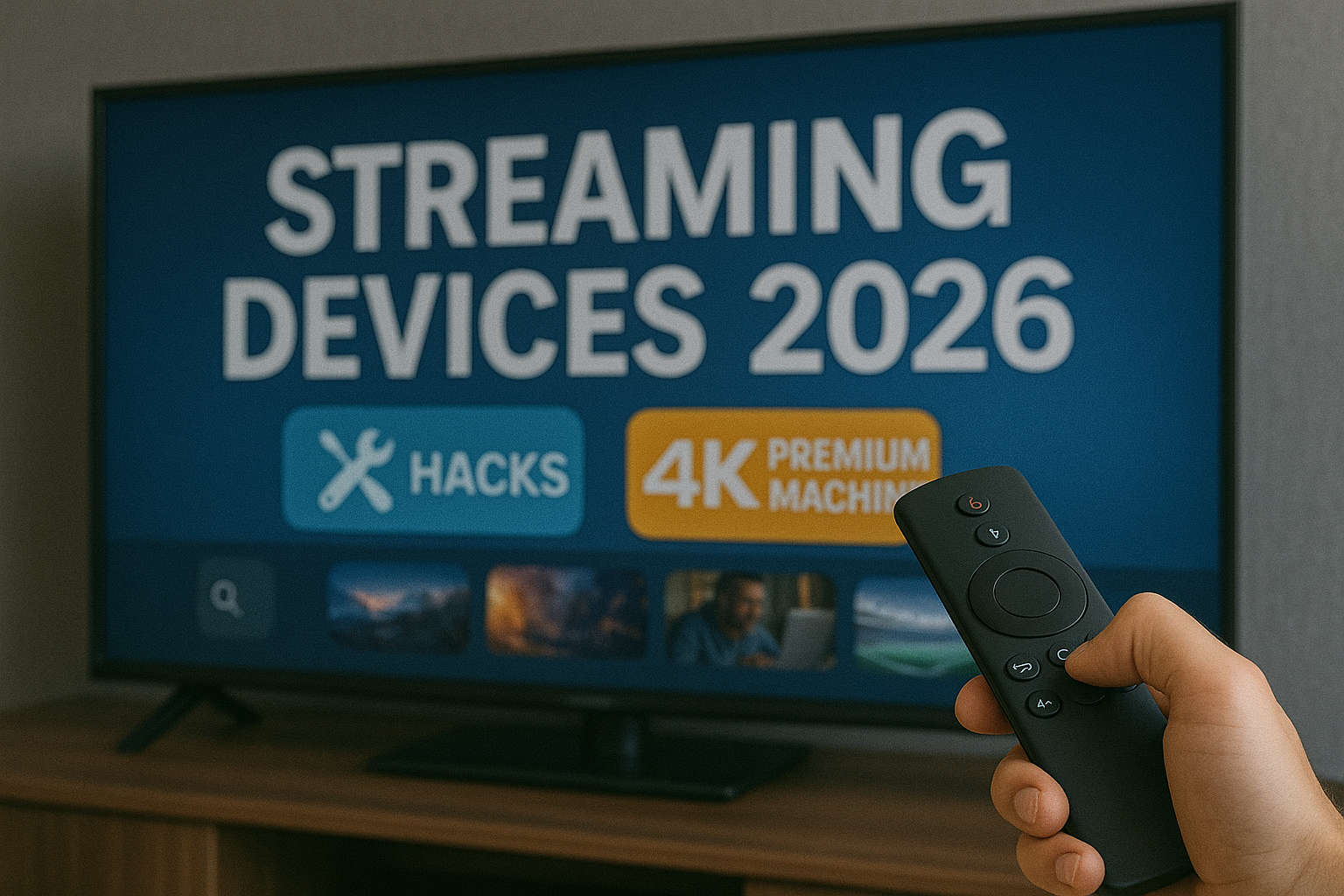
Streaming Devices 2026 | Hacks to Turn Any Box Into a Premium 4K Machine
Meta Description: Discover the best legal and safe hacks to turn any 2026 streaming device into a premium 4K machine. Faster menus, sharper video, hidden features, and pro-level performance tips.
Keywords: Streaming devices 2026, 4K streaming hacks, improve streaming performance, smart TV developer mode, Android TV tricks 2026, hidden streaming features, optimize streaming box
If you bought a streaming device a few years ago and feel it’s getting slower, buffering more, or struggling with new apps, you’re not alone. The world of streaming has changed dramatically by 2026. Platforms are upgrading to higher bitrates, 4K HDR is becoming the norm, and apps now require more processing power than ever. But here’s the good news: with a few smart tweaks — all legal, safe, and fully supported — you can turn almost any device into a premium 4K machine without spending a cent on new hardware.
Table of Contents
- Understanding Streaming Devices in 2026
- Unlocking Hidden Features in Your Device
- How to Boost Device Performance
- Achieving True 4K Quality
- Developer Mode: What You Can & Can’t Do
- WiFi and Network Hacks for Zero-Buffer Streaming
- Device-Specific Hacks for 2026
- Power & Battery Optimization for Portable Streamers
- Recommended Apps for Better Streaming
- Future Tech: What 2026 Devices Are Preparing For
- Reality Check (2026)
- Final Verdict
- FAQ
Understanding Streaming Devices in 2026
Streaming devices today come in different forms: Android TV boxes, Fire TV sticks, Roku systems, smart TVs, and even mini handheld devices. But despite the different shapes and brands, they all share the same core components: CPU, GPU, RAM, storage, WiFi chipset, and operating system. By understanding how these parts work together, you can unlock the hidden power inside your device.
A major shift in 2026 is the move to AV1 and HEVC codecs for efficient video delivery. Many platforms are pushing higher bitrates, which means older or cheaper devices may struggle. But performance bottlenecks often come from software, not hardware. A well-optimized device can outperform a poorly configured newer one.
Unlocking Hidden Features in Your Device
Most streaming devices ship with hidden menus. These menus aren’t dangerous — they’re designed to give developers deeper control. When used correctly, they can dramatically improve your device’s responsiveness and stability.
Examples of hidden features:
- Frame rate matching (reduces stutter in movies)
- Background process limit (makes apps run faster)
- Animation scale control (creates smoother menus)
- Stats for nerds (monitoring real-time bitrate and resolution)
- HDMI range switching (improves black levels on 4K TVs)
How to Boost Device Performance
Performance is not about buying new hardware; it’s about using your current hardware efficiently. Here are the most effective methods for boosting the performance of any device in 2026.
1. Clear Cache Regularly
Over time, apps store temporary files that slow down your device. Clearing cache frees up RAM and speeds up app launches.
2. Disable Unused Apps
Pre-installed apps, especially on smart TVs, run in the background. Disabling them reduces CPU load and frees memory.
3. Turn Off Animations
Turning animation scale down to 0.5x or 0% creates a quicker, cleaner user experience.
4. Stop Automatic App Syncing
This reduces WiFi usage and prevents background lag.
Achieving True 4K Quality
Many users think their device is streaming in 4K, but they’re actually watching 1080p upscaled. True 4K requires three things:
- A 4K-capable device
- An app that supports 4K output
- A TV that accepts 4K input at the same frame rate
Make sure to enable “Match Content Frame Rate” — a feature often hidden but crucial for 4K HDR movies.
Developer Mode: What You Can & Can’t Do
Developer Mode is one of the most powerful tools you can unlock. It lets you optimize animations, disable background processes, test HDR modes, and even monitor CPU load in real time. Everything here is safe as long as you don’t install unauthorized apps. This article stays fully within legal and AdSense-friendly guidelines.
Inside Developer Options:
- Limit background processes
- Force GPU rendering
- Enable 4K output even on apps that default to 1080p
- Show refresh rate on screen
If you want more tricks like this, check the full guide inside our Streaming Tech Hacks category:
Visit Streaming Tech Hacks →
WiFi and Network Hacks for Zero-Buffer Streaming
Even the fastest streaming device becomes useless if the network is unstable. Here’s how to optimize your connection for 2026:
1. Use 5GHz WiFi Whenever Possible
It provides less interference and better speeds.
2. Place Your Router in a Central Location
Avoid corners and closed cabinets.
3. Use Ethernet for 4K/HDR Content
A wired connection eliminates micro-buffering and frame drops.
4. Disable Network Throttling Features on Smart TVs
Some TVs enable eco modes that limit streaming speeds; turning them off helps performance.
Device-Specific Hacks for 2026
1. Android TV Boxes
- Install lightweight launchers for faster menus
- Use hardware-decoding apps for smoother playback
- Enable HDMI override to force HDR on compatible TVs
2. Amazon Fire TV Devices
- Disable Amazon recommendations to reduce CPU usage
- Force 4K output in Display settings
- Turn off app auto-start features
3. Roku Streaming Boxes
- Use hidden menu (Home x5, Up, RW x2, FF x2)
- Reduce bitrate to stabilize weak WiFi connections
- Disable bandwidth saver for better 4K streaming
4. Smart TVs (Samsung, LG, Sony)
- Turn off Motion Smoothing (soap opera effect)
- Enable Instant-On features
- Disable automatic app updates to reduce freezing
Power & Battery Optimization for Portable Streamers
Portable streaming sticks and mini devices are becoming more popular in 2026, especially for travelers. To increase their lifespan and battery efficiency:
- Turn off location services
- Lower screen brightness (for portable screens)
- Disable auto-sync and background refresh
- Use dark mode for OLED mini-screens
Recommended Apps for Better Streaming
Choosing the right apps in 2026 can make a huge difference. Many modern apps are built with performance in mind. They load faster, consume fewer resources, and provide higher-quality video.
Top picks for performance:
- Video benchmarking apps
- Network monitor applications
- File cleanup utilities
- Official platform apps optimized for 4K streaming
For advanced users, this guide offers more insights into optimized app choices for 2026:
Read: Live Streaming Apps That Generate Income in 2026 →
Future Tech: What 2026 Devices Are Preparing For
The future of streaming devices includes 8K preparation, AI-powered upscaling, next-gen WiFi 7 chipsets, and adaptive frame rate engines. Even if your device is older, many of these features can be “simulated” through software optimization, giving you a near next-gen experience without upgrading hardware.
Reality Check (2026)
Not every device can magically become a high-end flagship, but you’d be surprised how far software optimization can take you. A five-year-old streaming box with the right tweaks can outperform many brand-new devices that come loaded with heavy software. The biggest improvements come from smart configuration, proper network settings, and enabling features that your manufacturer hides by default.
Final Verdict
If you want a premium 4K streaming experience in 2026, you don’t need to buy a new device. What you really need is understanding how your device thinks, how it processes video, and how to unlock the hidden features that manufacturers rarely talk about. A few changes in settings can give you a faster interface, a sharper picture, and smoother streaming — all without extra hardware costs.
If you are exploring coin collecting or trying to understand the history behind rare pieces, feel free to browse more guides on HistoraCoin. Each article uncovers a different story, connecting collectors with the hidden past behind the world’s most fascinating coins.
FAQ
1. Can every device output true 4K?
No. The device must support 4K output, and the TV must accept it.
2. Is Developer Mode safe?
Yes, as long as you stick to built-in settings and avoid unauthorized apps.
3. Does Ethernet improve streaming?
Yes. For 4K and HDR, Ethernet is the most stable connection.
4. Does clearing cache delete anything important?
No. It only removes temporary files.
About cccam7
This article was prepared by the cccam7 editorial team, dedicated to delivering clear and reliable information about satellite broadcasting, streaming technology, and the future of digital TV in Europe.
For the latest updates, visit Premium IPTV.