Astra LNB Setup and Signal Optimization
Estimated reading time: 22 minutes.
When people think about satellite signal quality, they usually focus on the dish direction. But in reality, the LNB is just as important as the dish itself. Even with perfect alignment, a poorly positioned or incorrectly configured LNB can reduce signal quality and create unstable reception.
The LNB is responsible for receiving the focused signal from the dish and converting it into a frequency that the receiver can process. If this process is not optimized, part of the signal is lost before it even reaches your receiver. Understanding how to properly set up and adjust the LNB is essential for achieving stable Astra 19.2 reception.
Quick Context
This guide explains Astra LNB setup and signal optimization including focal positioning skew angle adjustment cable connection and signal quality improvement techniques.
- What the LNB actually does
- Focal point and signal concentration
- Understanding LNB skew angle
- Signal polarization and alignment
- LNB types and compatibility
- Correct LNB positioning on the arm
- Cable connection and signal transfer
- Noise figure and signal clarity
- Step by step LNB optimization
- Diagnosing LNB related issues
- Common LNB setup problems
- Reality Check
- Final Verdict
- Frequently Asked Questions
What the LNB actually does
The LNB, or Low Noise Block converter, receives the signal reflected by the satellite dish and converts it from a very high frequency into a lower frequency that can travel through a coaxial cable.
This conversion is necessary because the original satellite signal cannot be transmitted efficiently through standard cables.
The LNB also amplifies the signal before sending it to the receiver.
This makes it a critical part of the signal chain.
Focal point and signal concentration
The dish reflects incoming signals toward a specific focal point. The LNB must be placed exactly at this point to capture the maximum signal.
If the LNB is too close or too far from the focal point, signal strength and quality decrease.
This misplacement reduces the efficiency of the dish.
Accurate positioning ensures proper signal concentration.
Understanding LNB skew angle
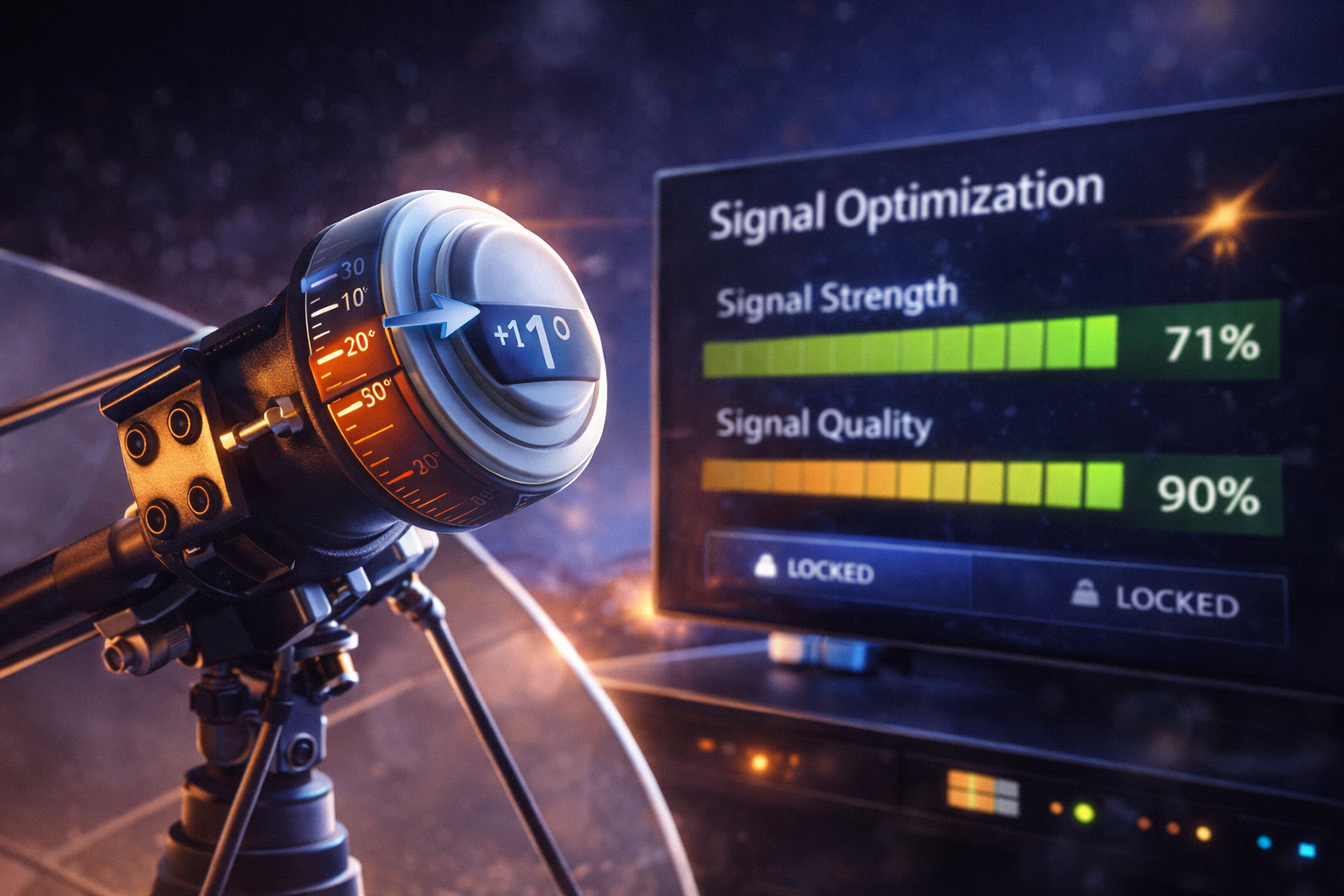
The skew angle refers to the rotation of the LNB around its axis. This adjustment aligns the LNB with the polarization of the satellite signal.
Satellite signals are transmitted in horizontal and vertical polarization. The LNB must match this orientation.
Incorrect skew reduces signal separation and increases noise.
Adjusting skew improves signal clarity.
Signal polarization and alignment
Polarization allows multiple signals to be transmitted on the same frequency without interference.
If the LNB is not aligned correctly, signals may overlap or weaken.
This leads to reduced quality and potential channel issues.
Proper alignment ensures clean signal separation.
LNB types and compatibility
Different LNB types are available depending on system requirements. Universal LNBs are commonly used for Astra reception.
Compatibility with the receiver and satellite settings is essential.
Incorrect LNB type or configuration can prevent proper signal detection.
Always verify LNB specifications before installation.
Correct LNB positioning on the arm
The LNB is mounted on the dish arm at a fixed distance from the reflector. This distance is designed to match the focal point.
If the mounting bracket is loose or incorrectly installed, the LNB may shift position.
Even small changes affect signal quality.
Secure mounting ensures stable positioning.
Cable connection and signal transfer
The connection between the LNB and the cable must be secure and properly sealed.
Loose connectors or exposed wires can introduce signal loss or interference.
Water ingress is a common cause of signal degradation.
Proper cable installation maintains signal integrity.
Noise figure and signal clarity
The noise figure of an LNB indicates how much additional noise it introduces during signal conversion.
Lower noise figures result in cleaner signals.
High noise levels reduce effective signal quality even if strength appears sufficient.
Choosing a good LNB improves overall reception.
Step by step LNB optimization
Start by ensuring the LNB is firmly mounted and positioned at the correct focal point.
Next adjust the skew angle gradually while monitoring signal quality on the receiver.
Check cable connections and ensure they are clean and secure.
Finally verify that the receiver settings match the LNB configuration.
These steps improve both signal strength and quality.
Diagnosing LNB related issues
If signal strength is high but quality is low, the LNB may be misaligned or incorrectly configured.
If certain channels are missing, polarization alignment may be incorrect.
Intermittent signal issues may indicate cable or connector problems.
Testing different positions helps identify the cause.
Common LNB setup problems
| Problem | Cause | Solution |
|---|---|---|
| Low signal quality | Incorrect skew | Adjust LNB rotation |
| Signal loss on some channels | Polarization mismatch | Recheck LNB alignment |
| Intermittent signal | Loose cable | Secure connectors |
| Weak signal overall | Incorrect focal position | Adjust LNB distance |
Reality Check
The LNB is just as important as dish alignment. Even a perfectly aligned dish cannot deliver stable signal if the LNB is not positioned and configured correctly.
Final Verdict
Final Verdict
Astra LNB setup and signal optimization are essential for achieving reliable satellite reception. Proper focal positioning, correct skew angle, clean cable connections, and compatible configuration all contribute to signal quality. By understanding how the LNB works and adjusting it carefully, users can significantly improve reception stability and reduce common signal problems.
Frequently Asked Questions
| Question | Answer |
|---|---|
| What does LNB skew mean | It is the rotation angle of the LNB to match signal polarization. |
| Why is my signal strong but unstable | This may be due to incorrect LNB positioning or skew. |
| Does LNB quality matter | Yes a better LNB produces cleaner signal with less noise. |
| How to improve LNB performance | Adjust skew position and ensure proper mounting and connections. |