
How to Optimize IPTV for Low-End Devices 2026
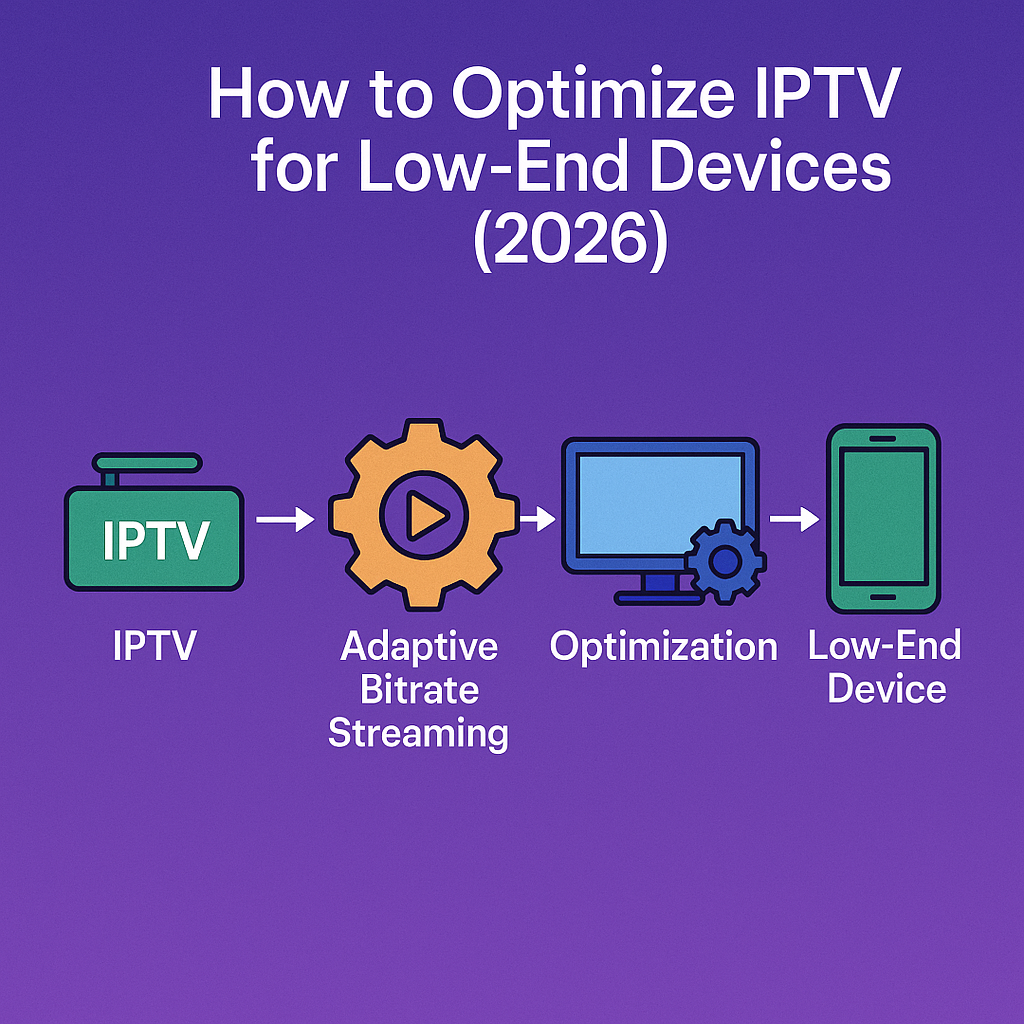
Intro, Backstory & Why This Matters
Not everyone has the latest Smart TV or high-end Android box. Many people still use older devices that struggle with heavy apps and 4K streams. The good news? With the right tweaks, you can make IPTV for low-end devices run much smoother—even in 2026. It’s about working smarter, not replacing your hardware.
Backstory? I once set up IPTV for a friend on a five-year-old Fire Stick. At first, it was a disaster—buffering, crashes, and channels refusing to load. But after some optimizations (lighter apps, lower resolution, network tweaks), the same device started running IPTV surprisingly well. Lesson learned: hardware limits don’t mean giving up.
Why does this matter today?
- Affordability. Not everyone wants to buy a brand-new device just for IPTV.
- Accessibility. Low-end devices are still widely used in homes and offices.
- Efficiency. Optimizing IPTV saves bandwidth and makes older devices last longer.
Steps, Tools & Optimization Tips
Let’s dive into how to optimize IPTV for low-end devices in 2026. Here’s the practical playbook:
- Step 1: Use lightweight IPTV apps. Skip heavy apps full of ads. Choose IPTV Smarters Lite, OTT Navigator, or VLC for smoother performance.
- Step 2: Lower stream resolution. If your device struggles with 4K, drop to 720p or even SD. It looks fine on small screens and reduces buffering.
- Step 3: Adjust player settings. In VLC or similar apps, increase cache size and disable extra effects for smoother playback.
- Step 4: Clear device storage. Low-end devices slow down when storage is nearly full. Delete unused apps and clear cache regularly.
- Step 5: Use wired connections if possible. Ethernet is always better than Wi-Fi, especially for older devices.
- Step 6: Turn off background apps. Free up memory by closing unused apps before starting IPTV.
- Step 7: Update firmware. Even older devices get occasional updates—these can fix bugs and improve IPTV performance.
Pro tip: Some IPTV providers now offer “low-bandwidth streams.” Ask your provider if they have optimized playlists for weaker hardware.
Reality Check
Here’s the honest part—IPTV for low-end devices will never match the performance of a brand-new 4K Android box or Smart TV. You’ll always face limits with memory, speed, and resolution. If your device is too old, even the best optimizations won’t completely fix buffering.
But in 2026, IPTV apps are far more optimized than they used to be. Lightweight players and better compression mean even basic hardware can stream decently. Think of it as “good enough,” not perfect.
FAQ
- Q: Can low-end devices handle IPTV in 4K?
A: Usually no. Stick to 720p or 1080p max for smoother playback. - Q: Which IPTV apps are best for weak hardware?
A: VLC, IPTV Smarters Lite, and OTT Navigator are lightweight and reliable. - Q: Will a VPN slow down IPTV on old devices?
A: It might, unless you use a lightweight VPN app or router-level VPN. - Q: Can I optimize IPTV on old Smart TVs?
A: Yes, but results vary. Sometimes adding an external stick (Fire Stick, Android box) is better. - Q: Is upgrading unavoidable?
A: Eventually yes. Optimizations help, but when devices get too old, upgrading is the only option for stable IPTV.
Final Verdict
Optimizing IPTV for low-end devices in 2026 is all about making the best of what you have. By choosing lightweight apps, lowering resolution, and tweaking settings, you can squeeze more life out of older hardware. It won’t be flawless, but it can absolutely be watchable.
My verdict? Don’t throw away your old device just yet. Try the optimizations first—you’ll be surprised how much smoother IPTV can run when you fine-tune it.
👉 Ready to stream IPTV smoothly on any device? Check here: https://www.cccam2.com/premium-iptv/





