Why Netflix Loads Slowly On Fast Connections
Estimated reading time: 19 to 25 minutes.
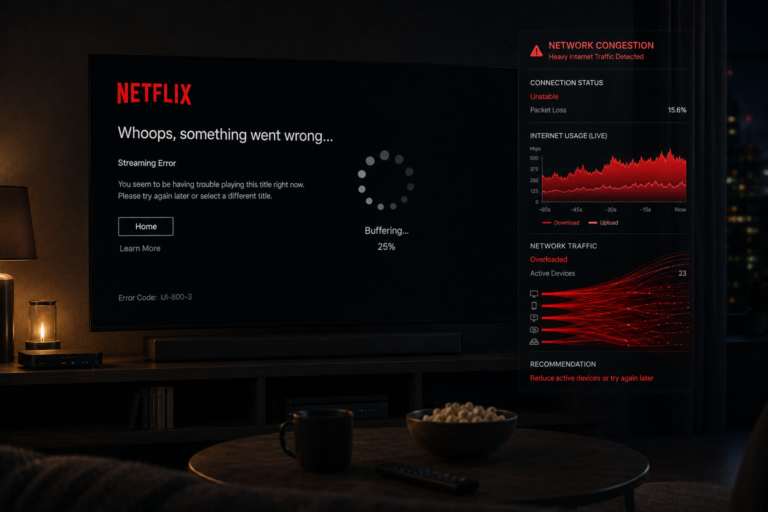
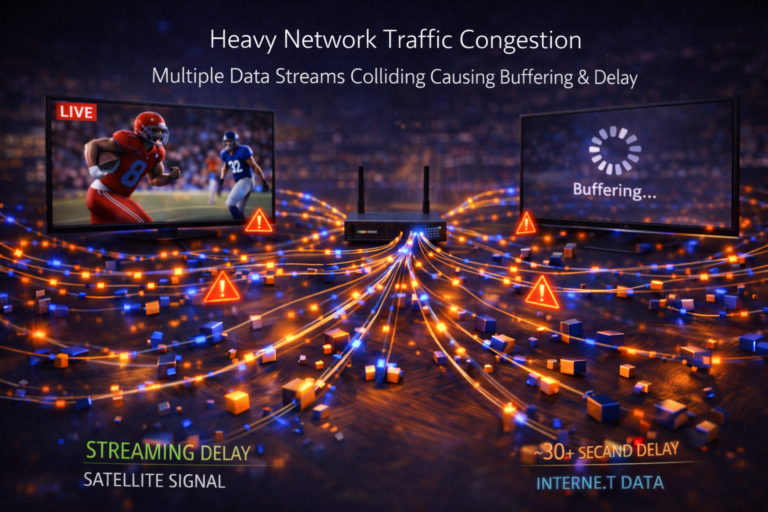
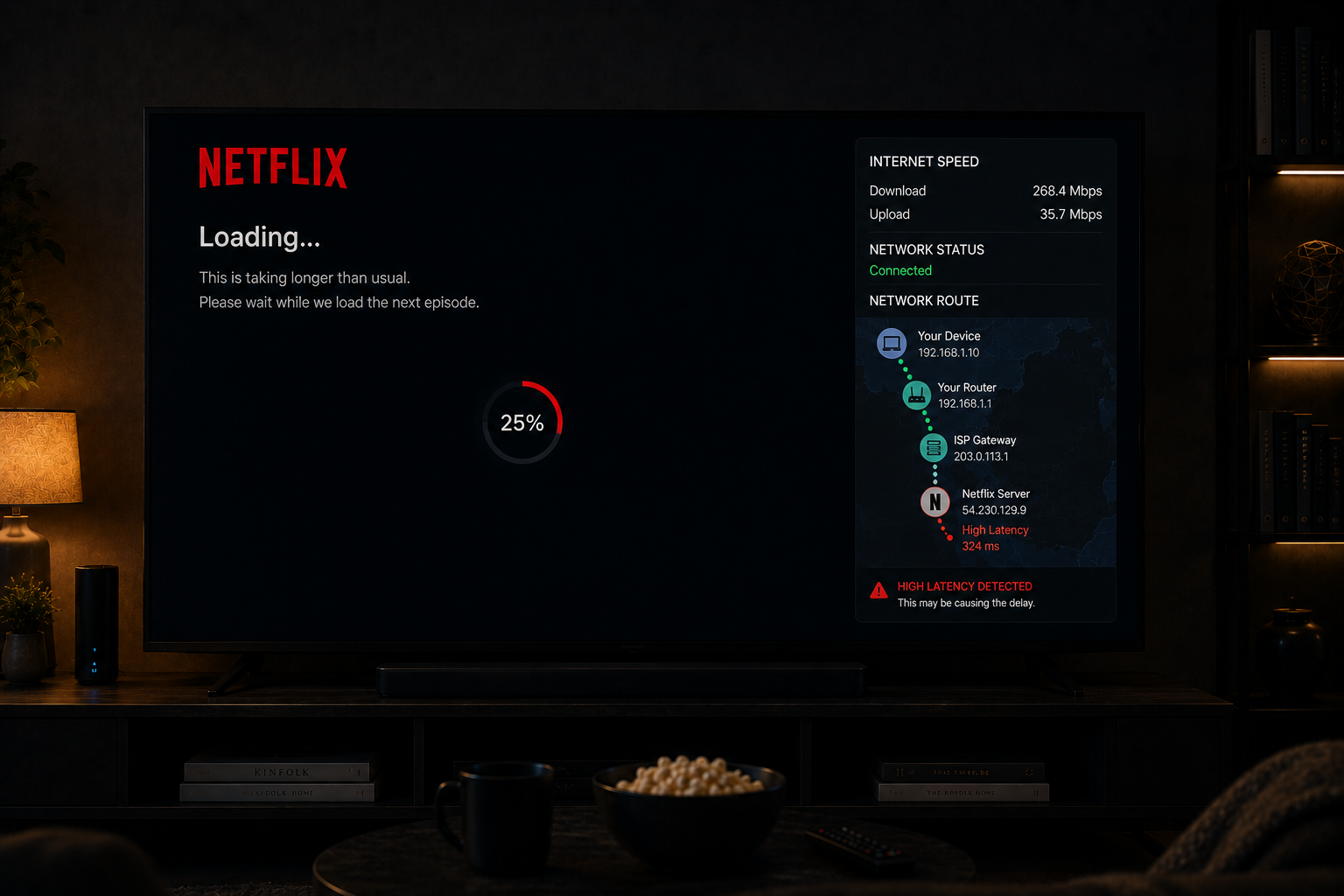
Netflix can load slowly even when your internet speed looks excellent. You may run a speed test and see hundreds of megabits per second, but Netflix still takes time to open, start a movie, load previews, or switch between profiles.
This happens because loading speed is not controlled by download speed alone. Netflix startup depends on server response, DNS lookup, routing quality, device performance, app cache, authentication, and buffer preparation. If any part of that chain is slow, Netflix can feel delayed even on a fast connection.
Quick Context. Netflix loads slowly on fast connections because startup depends on timing, routing, server response, device processing, cache behavior, and initial buffer preparation, not just raw internet speed.
Table of Contents
Why fast internet does not guarantee fast loading
The Netflix loading chain explained
DNS lookup and first connection delay
Routing quality and network path behavior
Server response and regional delivery
Account authentication and profile loading
App cache and stored data problems
Device speed and smart TV limitations
Initial buffering before playback starts
Why WiFi can delay Netflix startup
Why Netflix menus and previews load slowly
Why 4K titles may take longer to start
Why fast internet does not guarantee fast loading
The biggest misunderstanding is thinking that Netflix loading speed depends only on download speed.
A speed test measures how much data your connection can download under test conditions.
Netflix startup is different.
Before playback starts, Netflix must complete several smaller steps.
It must contact servers, confirm account access, load profile data, retrieve title information, select a stream, prepare video segments, and build a safe buffer.
Each of these steps depends on response time and timing stability.
That means a fast connection can still load slowly if the first response is delayed.
The Netflix loading chain explained
When you open Netflix, the app does not simply download a video immediately.
It follows a chain of technical steps.
The app must:
- Connect to Netflix services
- Verify your account session
- Load profile data
- Download interface elements
- Retrieve recommendations
- Check device capability
- Select video quality options
- Prepare playback segments
If one step is delayed, the entire startup feels slow.
This is why Netflix can feel slow even when other websites load quickly.
DNS lookup and first connection delay
DNS is the system that translates service names into network addresses.
Before the app connects to Netflix servers, your device often needs DNS resolution.
If DNS response is slow, Netflix may take longer to open or begin playback.
This delay may only be one or two seconds, but users feel it immediately.
DNS problems can happen even when download speed is high.
This is why Netflix loading can feel slow while a speed test still looks excellent.
Routing quality and network path behavior
Your data does not travel to Netflix through one simple direct line.
It passes through network routes controlled by your ISP and regional infrastructure.
Some routes are fast and stable.
Others introduce latency, congestion, or packet timing issues.
Routing affects startup speed because Netflix must receive quick responses before playback begins.
If the route is inefficient, the connection may feel slow even with strong bandwidth.
Server response and regional delivery
Netflix uses large delivery systems to serve content efficiently.
However, your experience still depends on how quickly the nearest available delivery system responds.
During heavy demand, server response may become slower.
This does not always cause full buffering.
Sometimes it only makes startup slower.
The movie eventually plays smoothly, but the first loading stage takes longer than expected.
Account authentication and profile loading
Netflix must verify your account session before showing content correctly.
This includes profile data, watch history, language settings, maturity settings, and device authorization.
If authentication takes longer than usual, the app may appear stuck on the loading screen.
This type of delay is not caused by slow internet speed.
It is caused by communication between the app and account systems.
On older TVs, this process may feel slower because the device processes app data less efficiently.
App cache and stored data problems
Netflix stores temporary data on your device to speed up loading.
This includes thumbnails, interface data, login tokens, and playback information.
Over time, cached data can become outdated or heavy.
When this happens, Netflix may load slowly because the app must sort through old data or rebuild parts of the interface.
Cache problems are especially common on smart TVs with limited storage.
The app may not crash, but it becomes slower to start.
Device speed and smart TV limitations
Device performance has a major effect on Netflix loading speed.
Older smart TVs often have weak processors, limited memory, and slow internal storage.
When Netflix opens, the device must load the app interface, render menus, retrieve data, and prepare playback.
If the TV is slow, Netflix feels slow.
This is true even if the network is excellent.
A powerful streaming box may load Netflix faster than an older smart TV on the same internet connection.
Initial buffering before playback starts
Before a Netflix video begins, the player usually builds a small playback buffer.
This buffer helps prevent immediate interruptions after the video starts.
If network timing is unstable, Netflix may wait longer before beginning playback.
This protects the viewing experience but creates slower startup.
The app is not necessarily broken.
It is waiting until it has enough confidence that playback can continue smoothly.
Why WiFi can delay Netflix startup
WiFi can be fast but unstable.
Netflix startup depends on quick back and forth communication with servers.
WiFi instability can introduce:
- Packet delay
- Retransmissions
- Latency spikes
- Connection retries
These small delays affect startup more than users expect.
A movie may still stream smoothly once it starts, but the initial loading stage can become slow.
Ethernet often improves startup consistency because it reduces packet timing instability.
Peak hour loading delays
Netflix may load more slowly during evening hours.
This is when internet usage rises heavily across homes, neighborhoods, and ISP networks.
Peak hour traffic increases congestion and slows response times.
During these periods, Netflix may take longer to:
- Open the app
- Load thumbnails
- Start playback
- Switch profiles
- Retrieve recommendations
This delay can happen even when your connection still tests as fast.
Why Netflix menus and previews load slowly
Netflix menus are heavier than many users realize.
The home screen may load:
- Rows of thumbnails
- Personalized recommendations
- Auto play previews
- Continue watching data
- Language and subtitle options
This creates many small requests rather than one large download.
Small request response time depends heavily on latency.
That is why Netflix menus can feel slow even on a fast connection.
Why 4K titles may take longer to start
4K titles require more preparation than lower quality playback.
The app must check whether the device, connection, and account settings support high quality streaming.
Then it must prepare higher bitrate segments and build a stable buffer.
If the network is stable, playback may start quickly.
If the system detects risk, startup may take longer while Netflix chooses a safer quality level.
This is why some 4K titles feel slower to start than standard HD content.
A real world slow loading example
Imagine someone using a fast fiber connection on an older smart TV.
The speed test shows excellent results.
But Netflix loads slowly.
What is happening?
The TV processor is slow.
The Netflix cache is heavy.
DNS response takes longer than usual.
WiFi introduces small timing delays.
The app waits to build a stable playback buffer.
None of these issues show clearly in a basic speed test.
But together, they create slow Netflix startup.
| Factor | Technical Effect | Visible Result |
|---|---|---|
| Slow DNS | Delayed server discovery | Slow app startup |
| Poor routing | Longer response path | Delayed playback start |
| Heavy cache | Slow app processing | Slow menus |
| Weak smart TV | Slow rendering and processing | Delayed loading |
| WiFi instability | Packet retries | Longer startup time |
| Peak congestion | Slower response timing | Loading delays |
| 4K preparation | Higher buffer requirement | Slower video start |
Reality Check
Netflix loading slowly on a fast connection usually means the delay is not caused by raw bandwidth. Startup speed depends on response time, routing quality, device performance, cache behavior, and initial buffer preparation.
Final Verdict
Netflix loads slowly on fast connections because loading is controlled by many technical steps beyond download speed. DNS lookup, routing quality, server response, authentication, app cache, smart TV performance, WiFi stability, and initial buffering all affect how quickly Netflix starts. A fast connection can move large amounts of data, but streaming startup depends on how quickly and reliably the system completes many small timing sensitive requests. That is why Netflix can feel slow even when your internet speed looks excellent.
FAQ
| Question | Answer |
|---|---|
| Why does Netflix load slowly with fast internet | Because startup depends on response time, routing, cache, and device speed, not only bandwidth |
| Can WiFi slow Netflix loading | Yes because packet delays and retries can slow the initial connection |
| Why does Netflix menu load slowly | Because menus use many small requests for thumbnails, profiles, and recommendations |
| Can an old smart TV cause slow Netflix loading | Yes weak processors, low memory, and slow storage can delay the app |
| Why do 4K titles take longer to start | Because Netflix may need more buffering and quality checks before playback begins |