Why Netflix Looks Blurry During Action Scenes
Estimated reading time: 18 to 22 minutes.
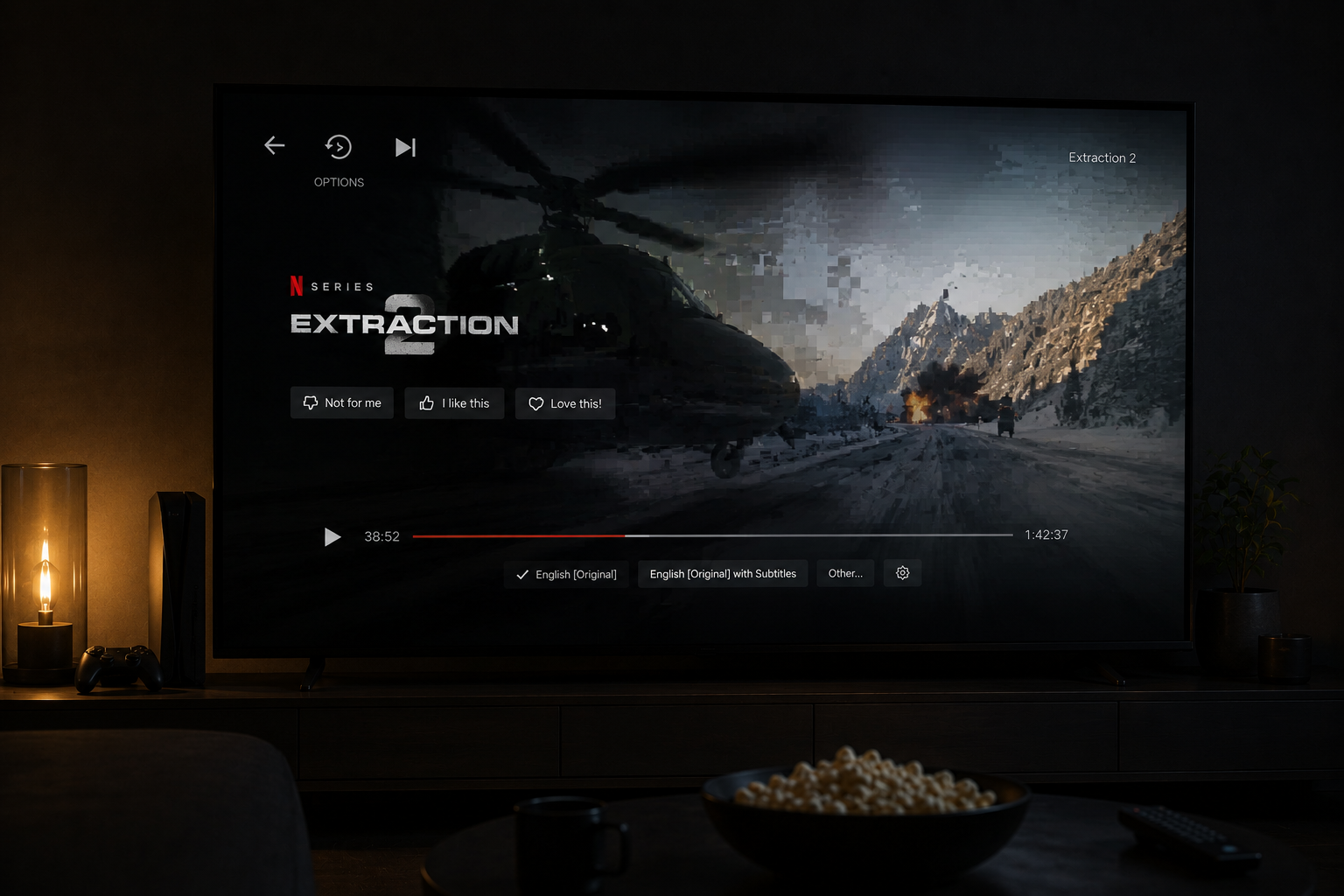
Many Netflix shows look sharp and cinematic during slow scenes, then suddenly become blurry or messy during fast action sequences. Car chases, explosions, sports scenes, and rapid camera movement often lose detail and clarity even on expensive TVs.
This happens because action scenes are one of the hardest things for streaming systems to handle. Fast movement creates massive data complexity, and streaming platforms must compress that complexity aggressively to keep playback stable. The result is motion blur, softness, smearing, and visible compression artifacts.
Quick Context. Netflix action scenes often look blurry because fast motion requires much higher bitrate and stronger processing than slow scenes, while streaming systems are limited by compression and bandwidth constraints.
Table of Contents
Why fast motion is difficult for streaming
Bitrate and action scene complexity
How compression destroys fast detail
Rapid frame changes and data overload
Adaptive streaming during motion scenes
Macroblocking and smearing explained
Why OLED TVs reveal blur more clearly
Network instability during high bitrate moments
Why dark action scenes look even worse
Frame rate limitations in streaming
Why fast motion is difficult for streaming
Streaming systems work best when scenes remain visually stable.
Slow conversations, static backgrounds, and minimal movement are relatively easy to compress efficiently.
Action scenes are completely different.
During fast motion:
- Objects move rapidly
- Backgrounds change continuously
- Camera angles shift quickly
- Explosions create chaotic visual detail
This creates enormous amounts of visual information.
The streaming system suddenly needs far more data to preserve image quality.
This is where problems begin.
Bitrate and action scene complexity
Bitrate determines how much visual information the stream can carry.
Action scenes require significantly higher bitrate than static scenes.
Why?
Because every frame changes dramatically.
Streaming systems cannot easily reuse previous frame information when movement becomes intense.
This increases data demand enormously.
If bitrate is insufficient:
- Fine details disappear
- Motion becomes soft
- Edges lose sharpness
- Textures collapse
The stream begins sacrificing visual precision to maintain playback stability.
How compression destroys fast detail
Netflix relies heavily on video compression.
Without compression, internet streaming would require impossible bandwidth levels.
Compression removes image information the system considers less important.
During action scenes, compression becomes extremely aggressive.
This creates:
- Blur
- Noise
- Smearing
- Macroblocking
- Loss of texture
Fast motion simply overwhelms compressed streaming systems.
The platform prioritizes playback continuity over perfect visual clarity.
Rapid frame changes and data overload
Streaming systems work efficiently when frames remain similar.
Action scenes break this assumption completely.
Every frame may contain:
- New object positions
- Different lighting
- Camera movement
- Particle effects
This creates a massive increase in required data.
The encoder struggles to preserve detail while staying within bitrate limits.
The result is visible softness during motion.
Adaptive streaming during motion scenes
Netflix uses adaptive bitrate streaming.
The system constantly adjusts quality based on:
- Network stability
- Buffer health
- Bandwidth consistency
- Playback timing
During demanding action scenes, bitrate requirements suddenly increase.
If the network cannot sustain the required delivery speed, Netflix lowers quality automatically.
This often happens invisibly in the background.
Users simply notice the scene becoming blurrier.
Macroblocking and smearing explained
Macroblocking is one of the most visible streaming artifacts during action scenes.
The image breaks into large compressed blocks because the encoder cannot preserve fine detail.
This becomes especially visible during:
- Smoke
- Rain
- Fire
- Explosions
- Fast camera pans
Smearing happens when motion detail becomes blended together.
Objects lose edge clarity and appear soft or muddy.
These artifacts are direct signs of bitrate and compression limitations.
TV motion processing problems
Modern TVs apply additional motion processing on top of the streamed video.
This sometimes helps smooth movement, but it can also create new problems.
Motion systems may introduce:
- Ghosting
- Judder
- Motion blur
- Soap opera effect
Compressed streaming video often confuses motion algorithms.
The TV struggles to interpret heavily compressed moving frames.
This amplifies the appearance of blur during action scenes.
Why OLED TVs reveal blur more clearly
OLED TVs have extremely fast pixel response times.
This creates very sharp motion transitions.
Ironically, this can make compression artifacts more visible.
OLED displays reveal:
- Banding
- Macroblocking
- Noise
- Compression softness
more clearly than many older LCD displays.
The TV is not causing the problem.
It is exposing weaknesses already present in the stream.
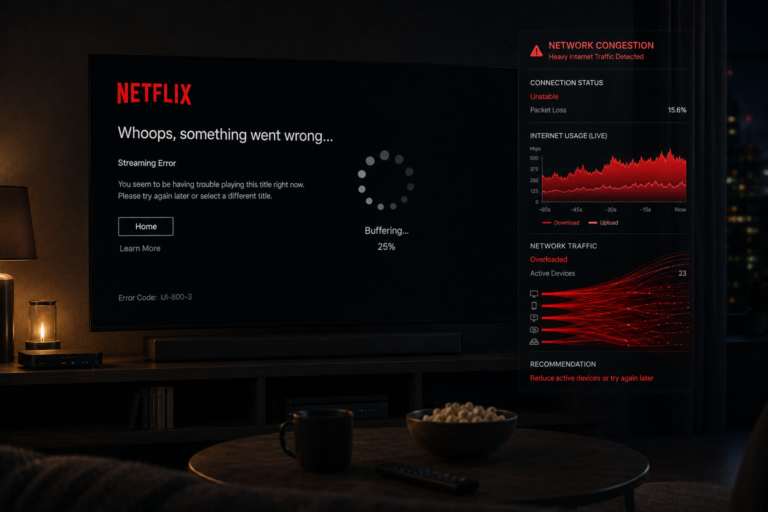
Network instability during high bitrate moments
Action scenes increase bitrate demand dramatically.
This means the network suddenly needs to deliver more data consistently.
If WiFi becomes unstable:
- Packet timing fluctuates
- Buffer health decreases
- Bitrate adaptation becomes aggressive
Netflix responds by lowering quality.
The action scene immediately becomes softer.
This is why Ethernet often improves motion clarity during demanding scenes.
Why dark action scenes look even worse
Dark scenes are already difficult for streaming compression.
Fast movement inside dark scenes creates a perfect storm.
The encoder must preserve:
- Shadow detail
- Motion detail
- Noise control
- Texture precision
under limited bitrate conditions.
Usually something collapses.
The result is:
- Heavy smearing
- Black crush
- Block artifacts
- Loss of detail
This is why nighttime action sequences often look dramatically worse than daytime scenes.
Frame rate limitations in streaming
Most streaming content still operates at relatively limited frame rates.
Lower frame rates make fast movement appear less smooth naturally.
Compression exaggerates this effect.
When the encoder struggles:
- Motion interpolation breaks
- Frame consistency decreases
- Blur perception increases
The eye interprets these inconsistencies as softness and instability.
Why sports streams struggle with motion
Sports streaming is one of the hardest tasks in modern streaming.
Sports contain:
- Fast camera movement
- Crowd motion
- Grass textures
- Rapid player movement
- Constant scene changes
All of these require enormous bitrate.
When bandwidth becomes limited, sports streams quickly lose clarity.
This is why football matches often look softer than movies.
A real world viewing example
Imagine someone watching an action movie on Netflix during the evening.
The opening dialogue scenes look excellent.
Then a large chase scene begins.
Suddenly:
- Motion becomes softer
- Smoke appears blocky
- Dark areas lose detail
- Edges smear during movement
At the same time:
- Network congestion increases
- Adaptive bitrate lowers quality
- The TV motion processor struggles
The viewer thinks:
“Netflix suddenly became blurry.”
In reality, the scene simply exceeded the comfort zone of compressed streaming delivery.
| Factor | Technical Effect | Visible Result |
|---|---|---|
| Fast motion | Higher data demand | Blurred movement |
| Low bitrate | Reduced detail | Soft image |
| Compression | Loss of image information | Macroblocking |
| Adaptive streaming | Automatic quality reduction | Motion softness |
| TV motion processing | Interpolation artifacts | Ghosting and blur |
| Dark action scenes | Shadow compression collapse | Blocky image |
| Network instability | Bitrate fluctuations | Inconsistent clarity |
Reality Check
Netflix action scenes look blurry because fast motion creates enormous compression and bitrate challenges. Streaming systems must constantly balance image quality against playback stability under limited bandwidth conditions.
Final Verdict
Netflix often looks blurry during action scenes because fast motion requires far more data than slow scenes. Compression systems struggle to preserve detail during rapid movement, especially when bitrate becomes limited. Adaptive streaming, WiFi instability, TV motion processing, dark scene complexity, and network congestion all combine to reduce motion clarity. The issue is not usually the TV alone or the internet alone. It is the interaction between compression, bandwidth limits, and real time streaming adaptation under heavy visual complexity.
FAQ
| Question | Answer |
|---|---|
| Why does Netflix become blurry during action scenes | Because fast motion requires much higher bitrate and stronger compression |
| Can WiFi affect motion quality | Yes unstable delivery forces bitrate reduction during demanding scenes |
| Why do explosions and smoke look blocky | Compression struggles with chaotic fast changing detail |
| Do OLED TVs make blur worse | No they reveal compression artifacts more clearly |
| Why do dark action scenes look terrible | Because shadow detail and motion are extremely difficult to compress together |