What Causes Random Audio Delay On Total TV
Estimated reading time: 9 minutes.
- Audio delay rarely means the satellite transmission is faulty.
- Receiver synchronization constantly adjusts audio and video timing.
- BER spikes may interrupt stream synchronization.
- HDMI devices sometimes introduce additional processing delay.
- Signal quality affects decoder stability.
- Audio and video follow separate decoding paths.
- Most lip-sync problems originate inside the receiving equipment.
- How Audio And Video Stay Synchronized
- Receiver Processing Is More Complex Than Most People Think
- BER Can Interrupt Audio Timing
- Poor Signal Quality Creates Decoder Delays
- HDMI Processing May Add Extra Delay
- Television Processing Can Affect Lip Sync
- Why Changing Channels Sometimes Fixes Everything
- Technical Comparison
- How To Reduce Random Audio Delay
- Reality Check
- Final Verdict
- FAQ
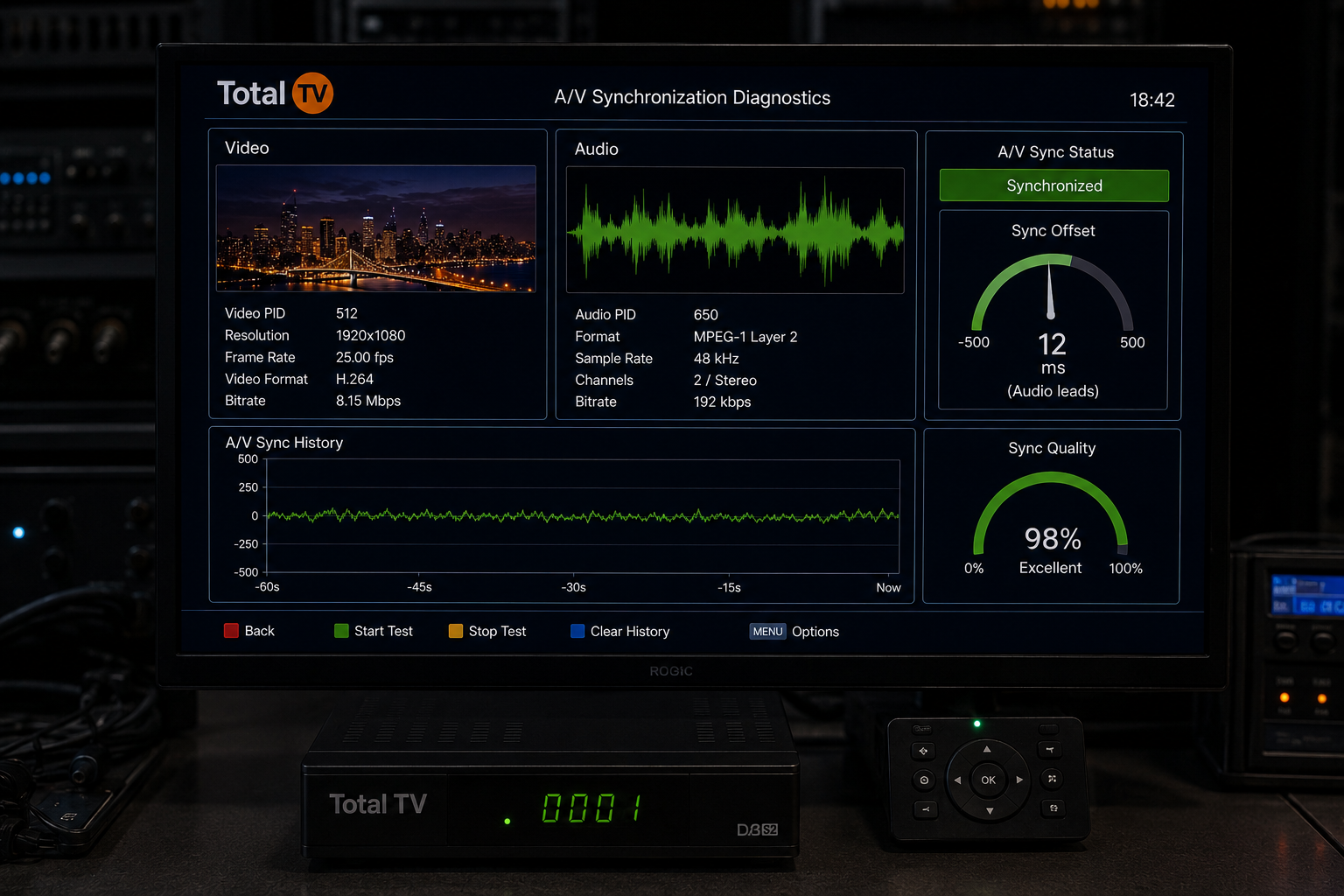
How Audio And Video Stay Synchronized
Digital television does not transmit sound and picture as one continuous signal.
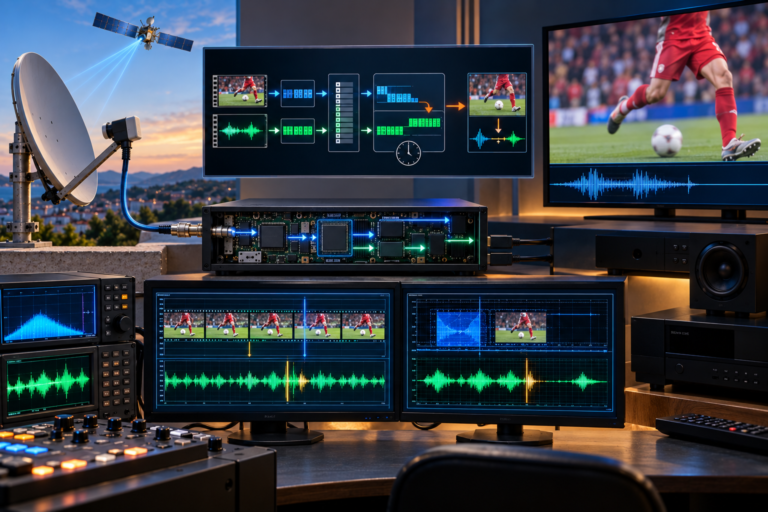
Instead, audio and video travel as separate compressed streams inside the same transport stream.
The receiver must decode both independently before synchronizing them for playback.
This synchronization happens continuously while you watch television.
Even tiny interruptions in decoding can temporarily disturb timing.
Normally the receiver corrects these differences automatically before viewers notice anything.
Receiver Processing Is More Complex Than Most People Think
Inside every Total TV receiver several processes happen simultaneously.
The tuner locks the satellite signal.
Forward error correction repairs damaged packets.
Video is decompressed.
Audio is decoded separately.
Internal buffers keep playback smooth.
Finally the receiver synchronizes everything before sending it through HDMI.
If one stage briefly slows down, audio timing can drift until synchronization is rebuilt.
BER Can Interrupt Audio Timing
BER, or Bit Error Rate, measures digital transmission errors.
When BER remains low, receiver buffers stay synchronized.
When BER suddenly increases, forward error correction becomes much busier.
The receiver may spend additional time rebuilding damaged packets.
Video buffers often contain more data than audio buffers.
As a result, audio timing may shift slightly before synchronization catches up again.
This explains why lip-sync problems sometimes appear immediately after brief pixelation or freezing.
Poor Signal Quality Creates Decoder Delays
Many users look only at signal strength.
Signal quality is actually much more important.
A receiver may continue showing excellent signal strength while signal quality fluctuates.
Every quality drop increases the amount of work required by error correction.
Eventually decoder timing becomes inconsistent.
Audio may briefly lead or lag behind the picture until the receiver fully stabilizes again.
Improving signal quality usually reduces these synchronization problems far more effectively than replacing the receiver.
HDMI Processing May Add Extra Delay
After decoding is complete, the receiver sends audio and video through HDMI.
Many modern televisions apply additional picture processing such as motion smoothing, noise reduction, HDR mapping, or frame interpolation.
These features require extra processing time.
If audio processing remains faster than video processing, lip-sync differences become visible.
Many televisions include automatic lip-sync correction, but it may not always respond perfectly during rapid timing changes.
Television Processing Can Affect Lip Sync
The receiver is not always responsible.
Some televisions introduce more video delay than others.
Game Mode often reduces image processing and therefore reduces overall latency.
Picture enhancement modes may increase processing time significantly.
If lip-sync problems appear only on one television while another television works normally with the same receiver, the display itself may be contributing to the issue.
Why Changing Channels Sometimes Fixes Everything
Many users notice that changing channels immediately fixes delayed audio.
This happens because the receiver completely rebuilds synchronization whenever it locks a new transport stream.
Buffers are cleared.
Timing references are reloaded.
Decoder synchronization starts again from the beginning.
If the previous delay resulted from temporary synchronization drift, changing channels effectively resets the entire decoding process.
Technical Comparison
| Possible Cause | Technical Effect | Visible Symptom |
|---|---|---|
| High BER | Error correction overload | Temporary audio delay |
| Low signal quality | Decoder instability | Lip-sync drift |
| LNB instability | Synchronization interruptions | Occasional delay |
| HDMI video processing | Additional video latency | Audio leads picture |
| Receiver buffer reset | Synchronization rebuilt | Problem disappears |
| Television processing | Delayed image rendering | Visible lip-sync error |
How To Reduce Random Audio Delay
Begin by checking signal quality instead of relying only on signal strength.
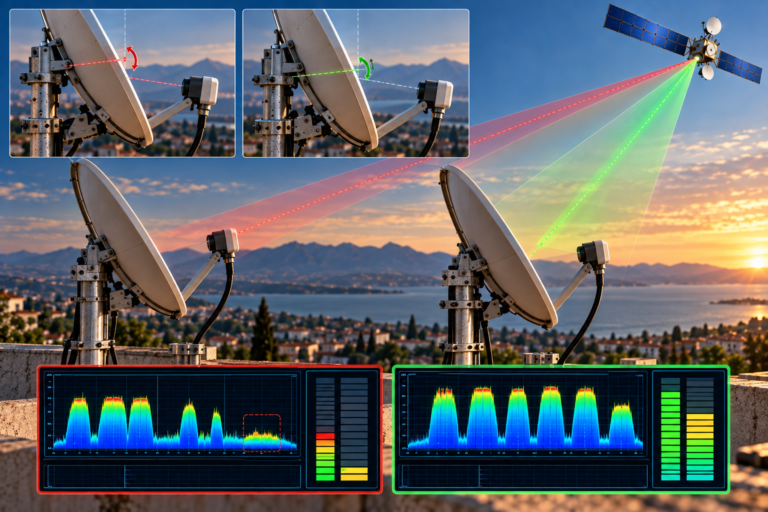
Inspect dish alignment carefully because marginal reception increases BER and synchronization problems.
Verify that connectors and coaxial cables are clean and free from corrosion.
Update the receiver firmware whenever updates are available.
Disable unnecessary picture enhancement features on the television if lip-sync problems persist.
If your television includes an audio delay adjustment, use it only after confirming that reception quality is stable.
The most effective long-term solution is increasing signal margin so the receiver rarely experiences synchronization interruptions.
Random audio delay on Total TV is usually not caused by the broadcaster. It is more commonly the result of temporary synchronization drift inside the receiver, increased BER, signal quality fluctuations, HDMI processing, or television image processing. Most cases can be reduced by improving overall reception quality rather than replacing equipment.
Random audio delay occurs because digital satellite reception depends on precise synchronization between independently decoded audio and video streams. Whenever BER rises, signal quality falls, or decoder timing becomes unstable, synchronization may drift temporarily. A properly aligned dish, stable LNB, low BER, clean signal path, and updated receiver firmware provide the best foundation for eliminating these frustrating lip-sync problems.
FAQ
| Question | Answer |
|---|---|
| Why does audio become delayed while the picture remains smooth? | Audio and video are decoded separately, so synchronization can drift temporarily. |
| Can weak signal quality cause audio delay? | Yes. Increased BER can interrupt decoder synchronization. |
| Does HDMI affect lip-sync? | Yes. Video processing inside the television may introduce additional delay. |
| Why does changing channels solve the problem? | The receiver rebuilds synchronization when locking a new transport stream. |
| Should I replace my receiver first? | Usually not. Verify signal quality, alignment, cables, and television processing before replacing hardware. |
| What is the best long-term solution? | Increase signal margin, reduce BER, maintain stable alignment, and keep receiver firmware updated. |