
How to Use IPTV While Bypassing Firewalls 2026
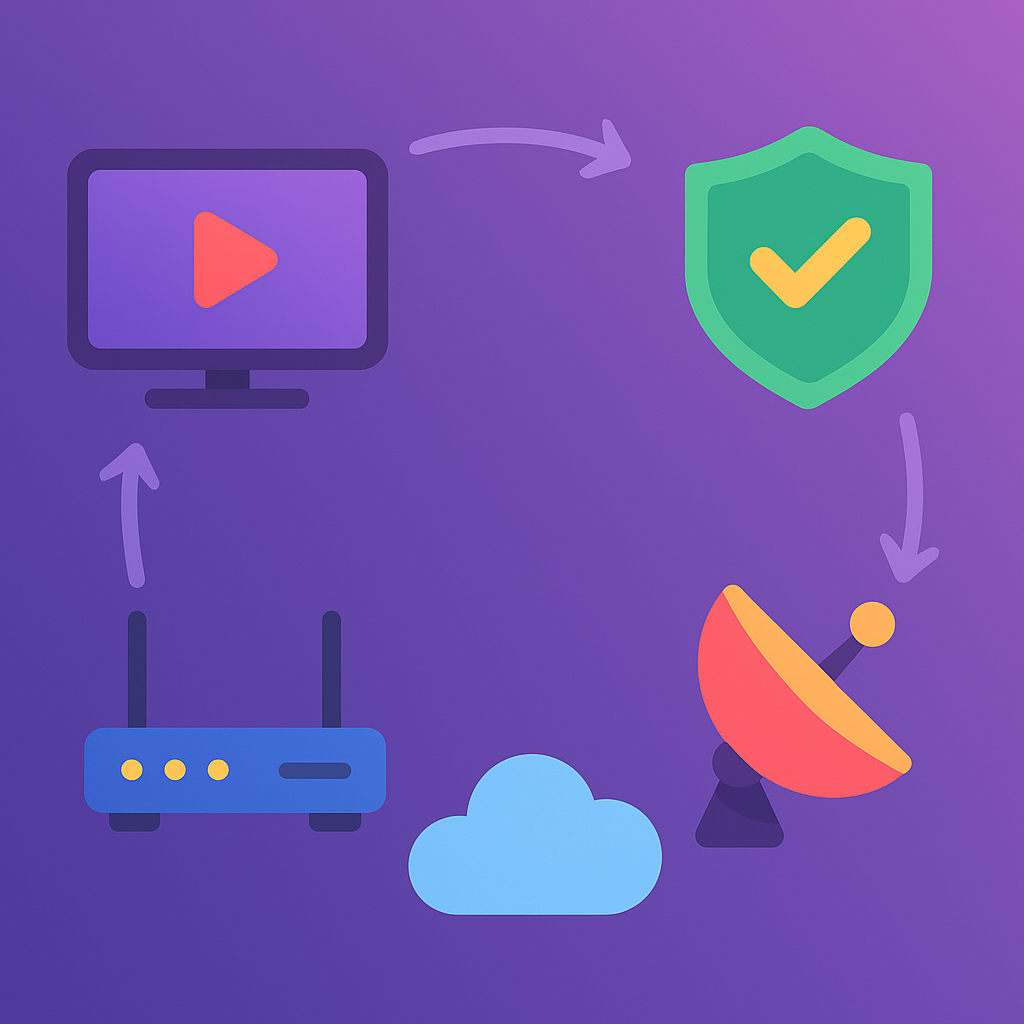
How to Use IPTV While Bypassing Firewalls — 2026 Practical Guide
Introduction
We’ve all been there: you’re ready to watch a live match or your favorite show and—boom—your network blocks the IPTV app or certain streams. In 2026, networks are stricter, and many workplaces, schools, and public Wi-Fi hotspots use firewalls or policies that limit streaming. This guide explains practical, legal ways to keep your IPTV working where it’s allowed, without trying to undermine network policies or break any laws. Think of it as “how to access IPTV responsibly when network settings get in the way.”
Quick note on legality and ethics
Before we dive in: bypassing security controls to commit wrongdoing or to access illegal content is not only unethical — it’s illegal. This article focuses on lawful and responsible strategies, like using properly configured VPNs, proxies that you control, Secure DNS, or getting permission from network administrators. If you’re on a corporate or school network, talk to your IT team first.
Why firewalls block IPTV (the short version)
Firewalls and filtering systems block IPTV for several reasons:
- Bandwidth management: Streaming consumes a lot of bandwidth and can affect business-critical traffic.
- Security policies: Organizations block unknown streaming protocols and external servers to reduce risk.
- Content rules: Some networks block entertainment services to enforce acceptable-use policies.
Knowing why a block exists helps you choose the right, lawful approach to get a working stream without fighting network operators.
Legal, practical strategies to get IPTV working
Below are practical approaches people use in 2026 to access IPTV when networks are restrictive — each choice depends on your context and whether you have permission.
1. Use a Trusted VPN (when allowed)
A reputable VPN is the most common solution. It creates an encrypted tunnel between your device and a VPN server, which prevents the local firewall from reading the exact destination of your traffic.
- When to use it: On public Wi-Fi, home networks with ISP throttling, or mobile connections that block certain ports.
- What to pick: Choose a premium provider with strong privacy, fast servers near your IPTV provider, and streaming-optimized nodes.
- Important: Many corporate networks block VPNs or only allow company-managed VPNs. Don’t use personal VPNs on networks that forbid them.
2. SmartDNS for geo-unblocking (low friction)
SmartDNS changes only the DNS resolution for specific streaming services without encrypting all your traffic. It’s lighter than a VPN and often avoids basic firewall rules because it doesn’t alter the traffic path dramatically.
- When it helps: If the firewall blocks by hostname or region, SmartDNS can let your IPTV app resolve the correct CDN endpoints.
- Limitations: SmartDNS does not encrypt your traffic and won’t help if the firewall blocks the port or inspects content deeply.
3. Use HTTPS / HLS (apps that use standard web ports)
Many modern IPTV services stream over HLS or DASH via HTTPS (ports 443). Firewalls are less likely to block standard web traffic on port 443 because that would break many essential web services.
- Tip: Prefer IPTV apps and playlists that use HLS over HTTPS — they’re much more “network friendly.”
- If your provider offers both: Select the HLS/HTTPS endpoint in the app or player settings.
4. Request an exception (the polite, official route)
If you’re on a managed network (work, school, hotel), the most straightforward method is to ask for an approved exception. Provide the IT team with:
- Service domain names or IP ranges used by your IPTV provider.
- Ports and protocols required (often HTTP/HTTPS or specific UDP ports).
- A short business justification (e.g., “official event broadcast” or “training stream”).
IT administrators often appreciate the transparency and may whitelist specific endpoints rather than opening broad access.
5. Use a Private Proxy or Personal Hotspot
If you control a server (a virtual machine or VPS) in a cloud provider, you can run a secure proxy that forwards traffic between your IPTV device and the provider. This is similar to a VPN but under your control.
- Cloud VPS: Setup a small server in a cloud region near your IPTV provider and route traffic through it.
- Mobile hotspot: For temporary access during an event, use your phone’s hotspot on cellular data — often free of local firewall rules.
Again, only do this if it doesn’t violate local policies and you own/legally control the endpoints.
Technical tips that stay inside the rules
Here are non-invasive adjustments that often improve IPTV success on restrictive networks without trying to “evade” policies:
- Pick servers near your IPTV CDN: Selecting a VPN or proxy server close to the content source reduces latency and makes the stream more reliable.
- Use TCP/443-based streams: Streams on port 443 (HTTPS) are less likely to be blocked than obscure UDP ports.
- Reduce concurrent streams: If a network limits bandwidth, reducing the number of simultaneous streams helps keep your session alive.
- Enable adaptive bitrate: Let the player drop quality during congestion instead of disconnecting.
When NOT to try bypassing a firewall
There are clear situations where you must not attempt to bypass network restrictions:
- If you’re on a corporate or school network that explicitly forbids personal VPNs or streaming, don’t try to evade — ask for permission.
- If the content is not licensed for your use or violates copyright rules, do not attempt to access it by technical means.
- If bypassing would expose you to legal risk in your country (some jurisdictions restrict VPNs or certain circumvention tools).
Device-specific suggestions (practical and safe)
Smart TVs and Android TV boxes
- Prefer IPTV apps that support HTTPS and adaptive streaming.
- If the TV vendor blocks VPN apps, configure a VPN on your router (if permitted) to cover the TV.
- Use SmartDNS if your router supports it and you’re only unblocking geo-restrictions.
Firestick / IPTV Boxes
- Install official VPN apps from reputable providers (if the network allows). Use auto-connect and streaming-optimized servers.
- Use split-tunneling where supported so only your IPTV app goes through the VPN — this saves bandwidth and reduces suspicion on managed networks.
Mobile devices (phones and tablets)
- Use Lightway or WireGuard protocols for better performance on cellular and public Wi-Fi.
- When necessary, use your carrier’s hotspot for a short event (but monitor data usage).
Security & Privacy considerations
When you use tools to work around restrictive networks, keep these safety points in mind:
- Choose reputable providers: Whether it’s a VPN, SmartDNS, or cloud proxy, pick a trusted company with a clear privacy policy.
- Protect credentials: Use strong passwords and enable two-factor authentication on accounts and devices.
- Encrypt when possible: Prefer HTTPS/HLS and encrypted VPN tunnels to keep your stream private.
Reality Check
In 2026, networks are smarter — but so are streaming tools. The best approach is not to “outsmart” the firewall, but to work with the network owner or use legal, resilient methods (VPNs, SmartDNS, proxies you control) to keep your streams stable. If you’re on a managed network, the fastest and safest path is to ask IT for an approved exception rather than attempting stealthy workarounds.
Final Verdict — safe, legal, and practical
If your goal is to enjoy IPTV responsibly where it’s allowed, follow this checklist:
- ✅ Prefer HTTPS/HLS streams and streaming-optimized apps.
- ✅ Use a reputable VPN only when allowed by the network’s policy.
- ✅ Use SmartDNS for geo-unblocking when encryption is not required.
- ✅ For persistent personal access, use a private proxy or cloud VM you control — but stay within the law and network rules.
- ✅ Always secure your streams with SSL/tokens and use licensed IPTV providers like CCCam3 Premium IPTV.
FAQ
Q1: Can I use a VPN to bypass any firewall?
A: Technically, many VPNs can hide IPTV traffic from basic firewall rules. Practically and legally, you must check the network’s acceptable-use policy before using one. Corporate and school networks often forbid personal VPN usage.
Q2: Is SmartDNS the same as a VPN?
A: No. SmartDNS only changes how domain names are resolved for streaming endpoints — it does not encrypt traffic. It’s lighter weight and sometimes avoids simple hostname blocks, but it won’t help if the firewall blocks the port or inspects packets deeply.
Q3: Will using these methods get me into legal trouble?
A: Using technical tools isn’t illegal by itself, but using them to access unlicensed content or to break local laws can be. Use only licensed IPTV services and comply with local and network rules.
Q4: My employer blocks VPNs — what should I do?
A: Don’t attempt to bypass. The right move is to ask IT for an approved solution. They may provide a corporate VPN or whitelist specific domains for legitimate streaming needs.
Q5: What’s the best short-term fix for a blocked stream?
A: Use a personal mobile hotspot (cellular data) for short events, or switch to an HLS/HTTPS stream if available. Both are quick and usually within acceptable use for temporary viewing.
Internal Link: Learn more about legal, high-quality IPTV services at CCCam3 Premium IPTV.





