The Strange Reason Total TV Channels Pixelate Randomly
Estimated reading time: 9 minutes.
- Pixelation usually indicates decoding errors rather than total signal loss.
- BER is one of the most important indicators of picture stability.
- Signal quality matters far more than signal strength.
- DVB-S2 HD channels expose reception problems sooner.
- Dish alignment directly affects error rates.
- LNB stability influences decoder performance.
- Increasing signal margin reduces random pixelation.
- What Pixelation Really Means
- BER Is Usually The Hidden Cause
- Signal Quality Versus Signal Strength
- Why Limited Signal Margin Creates Random Problems
- Why HD Channels Show Pixelation First
- How The Receiver Rebuilds Missing Data
- Hardware Problems That Increase Pixelation
- Technical Comparison
- How To Eliminate Random Pixelation
- Reality Check
- Final Verdict
- FAQ
What Pixelation Really Means
Unlike analog television, digital satellite broadcasts do not gradually become snowy as reception weakens.
Instead, the receiver either reconstructs the digital picture successfully or begins losing blocks of image information.
Those missing pieces appear as large colored squares, frozen areas, or distorted sections of the picture.
This effect is called pixelation.
The satellite signal is usually still present.
The problem is that the receiver cannot fully rebuild every video frame because too many digital errors are reaching the decoder.
BER Is Usually The Hidden Cause
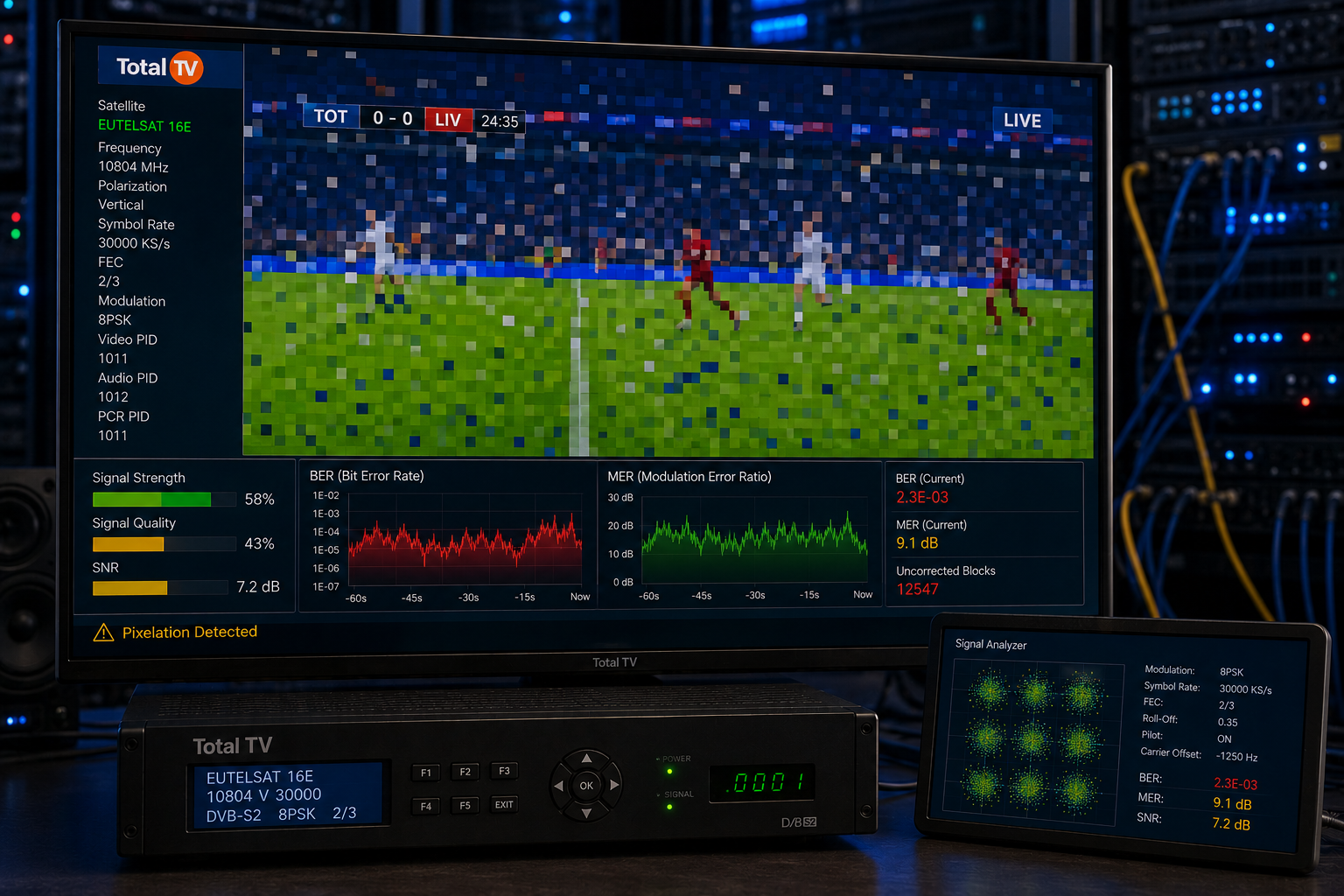
BER, or Bit Error Rate, measures how many digital bits arrive incorrectly.
Modern receivers continuously repair many of these errors using Forward Error Correction.
When BER remains low, viewers never notice the corrections.
As BER rises, the receiver spends more processing time repairing damaged packets.
Eventually the error correction system becomes overwhelmed.
The result is random pixelation, frame freezes, and sometimes complete loss of synchronization. High post-FEC BER indicates that error correction has been exceeded and visible picture defects begin appearing.
Signal Quality Versus Signal Strength
Many users become confused because their receiver still reports excellent signal strength while pixelation continues.
Signal strength simply measures received RF power.
Signal quality measures how accurately that signal can be decoded.
A strong but noisy signal can perform much worse than a slightly weaker signal with excellent quality.
Professional installers therefore optimize signal quality rather than chasing the highest strength reading.
Why Limited Signal Margin Creates Random Problems
Signal margin represents the safety reserve between your current reception quality and the minimum level required for stable decoding.
A system with generous margin continues working despite small environmental changes.
A marginal installation may operate normally for hours before a tiny increase in BER produces visible pixelation.
This explains why the problem often appears random.
The installation was already operating close to its decoding limit.
Only a very small change was needed to expose the weakness.
Why HD Channels Show Pixelation First
Most modern Total TV HD channels use DVB-S2 transmission.
DVB-S2 provides better bandwidth efficiency and stronger error correction than older DVB-S systems.
However, it also requires cleaner reception conditions to maintain reliable decoding.
As signal quality falls, demanding HD transponders usually begin pixelating before easier services.
This often gives the impression that only certain channels have problems when the real issue exists inside the receiving system. DVB-S2 improves efficiency and error correction but still depends on maintaining adequate signal quality.
How The Receiver Rebuilds Missing Data
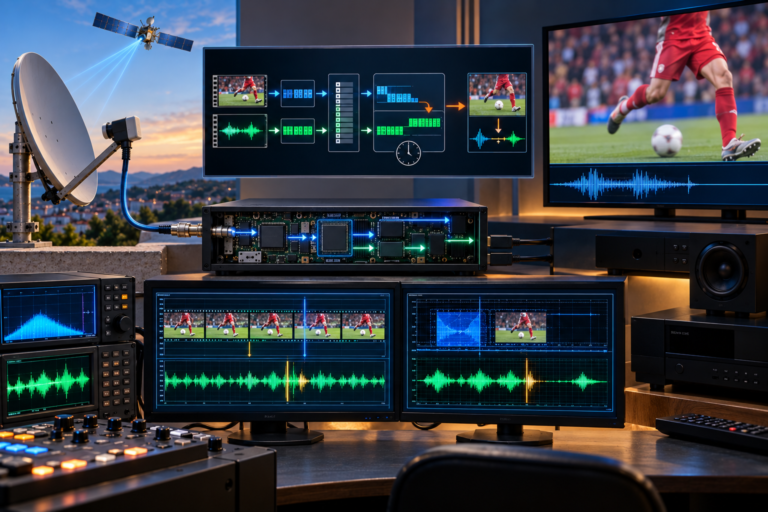
The receiver continuously buffers incoming transport stream packets.
It repairs damaged packets, reconstructs compressed video frames, synchronizes audio, and prepares the final HDMI output.
When too many packets become corrupted, the decoder can no longer reconstruct every frame correctly.
Instead of producing a complete picture, portions of the image become blocky until enough clean data arrives again.
Once BER falls, synchronization returns and normal picture quality immediately resumes.
Hardware Problems That Increase Pixelation
Random pixelation is not always caused by weather.
Poor dish alignment, aging LNBs, loose F-connectors, moisture inside coaxial cable, damaged shielding, or poorly installed multiswitches can all increase BER.
Many of these faults develop gradually.
Because they only reduce signal quality slightly, viewers often notice pixelation long before complete signal loss occurs.
Replacing worn components frequently restores stable reception without changing the receiver itself.
Technical Comparison
| Condition | Healthy Reception | Marginal Reception |
|---|---|---|
| Signal Quality | Stable | Fluctuating |
| BER | Very Low | High Spikes |
| Signal Margin | Large Reserve | Minimal Reserve |
| Picture Quality | Sharp | Random Pixelation |
| Decoder Load | Normal | Heavy Error Correction |
| Overall Stability | Reliable | Unpredictable |
How To Eliminate Random Pixelation
Start by checking signal quality instead of signal strength.
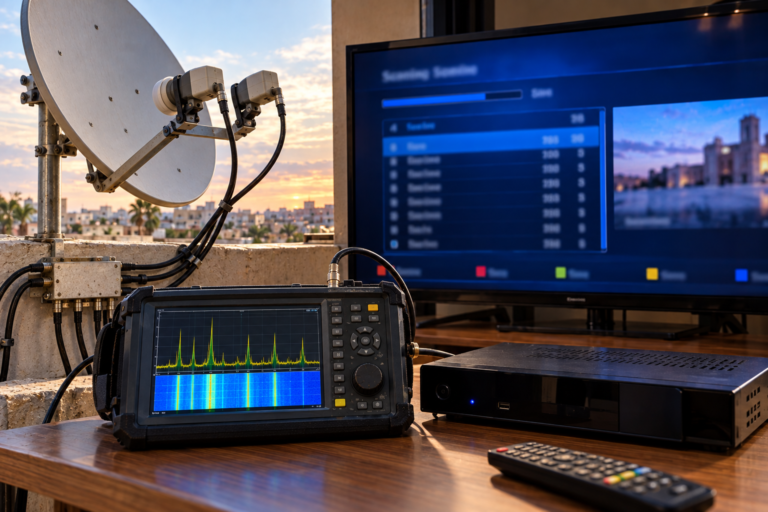
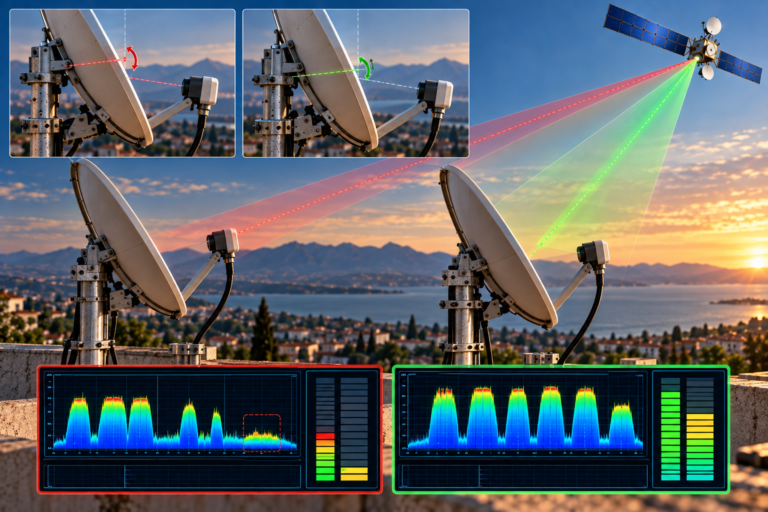
Optimize dish alignment while monitoring one of the weakest HD transponders.
Verify LNB skew and inspect every outdoor connector for corrosion or water ingress.
Replace damaged coaxial cable if shielding has deteriorated.
If the LNB is several years old, upgrading to a modern low-noise model can significantly reduce BER.
The objective is to increase signal margin so normal environmental variations never push the receiver beyond its error correction capability.
If you have also experienced occasional audio synchronization issues, read What Causes Random Audio Delay On Total TV to understand how decoder timing and reception quality are closely connected.
Random pixelation almost never means that the satellite transmission itself is failing. It is usually the visible result of increased BER, reduced signal quality, or insufficient signal margin inside the receiving system. Improving reception quality removes the underlying cause rather than simply treating the symptom.
The strange reason Total TV channels pixelate randomly is that digital television depends on accurate error correction rather than continuous analog signal quality. As BER rises, the receiver eventually runs out of correction capacity and begins displaying incomplete video frames. Careful dish alignment, a stable LNB, healthy cabling, and generous signal margin allow the decoder to maintain sharp, uninterrupted HD pictures under a much wider range of viewing conditions.
FAQ
| Question | Answer |
|---|---|
| Why do Total TV channels pixelate randomly? | Usually because BER increases and the receiver can no longer fully correct transmission errors. |
| Can pixelation happen with strong signal strength? | Yes. Signal quality is much more important than signal strength. |
| Why do HD channels pixelate before SD channels? | HD channels generally require cleaner reception and lower BER for stable decoding. |
| Can an old LNB cause random pixelation? | Yes. Frequency instability and higher internal noise increase decoding errors. |
| Does rain increase pixelation? | Yes. Rain fade reduces signal quality and increases BER on marginal installations. |
| What is the best long-term solution? | Improve signal margin through precise dish alignment, quality cabling, and a stable low-noise LNB. |