Sky Italia Streaming Errors Explained What Your Receiver Cannot Tell You
Estimated reading time: 10 to 12 minutes.
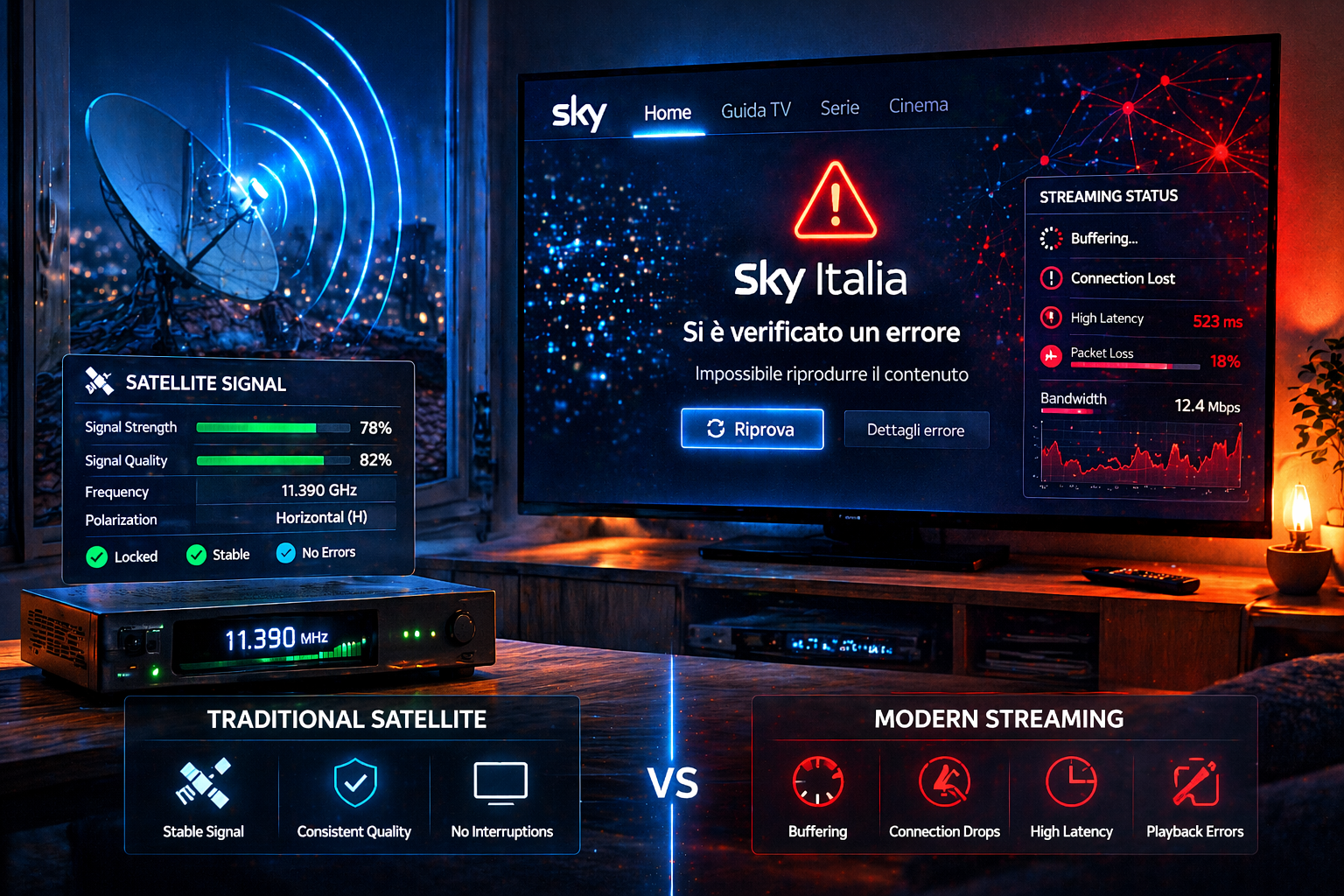
When Sky Italia streaming shows an error, many users instinctively look for signal indicators like those used in satellite systems. They expect to see strength and quality bars that explain what is happening. But in streaming, those indicators no longer exist, and more importantly, they are no longer relevant.
Streaming errors come from a completely different system. Instead of a single signal path, multiple layers are involved. Network communication, server response, buffering logic, and device processing all interact at the same time. This is why streaming errors can feel unclear and unpredictable compared to traditional receiver errors.
Quick Context. Sky Italia streaming errors are caused by network delivery issues, server communication failures, buffer instability, or device limitations. Traditional receiver signal indicators cannot diagnose these problems.
Table of Contents
Receiver errors vs streaming errors
Why signal strength indicators no longer apply
Main sources of streaming errors
Receiver errors vs streaming errors
In satellite systems, errors are directly linked to signal conditions. If the signal is weak, the receiver shows low strength or quality. The problem is physical and easy to trace.
Streaming does not use a continuous signal. Instead, it uses data packets delivered over a network. There is no single measurement that represents performance.
This means errors are not tied to a single indicator. They can come from multiple layers, each behaving differently.
Why signal strength indicators no longer apply
Signal bars measure RF reception quality. They indicate how well a dish receives a broadcast signal.
In streaming, there is no RF signal. Data travels through networks in small packets. Performance depends on timing, consistency, and delivery success.
This makes traditional indicators useless. A strong internet connection does not guarantee stable streaming, just as a weak one does not always cause failure.
New types of analysis are needed to understand streaming behavior.
Main sources of streaming errors
Streaming errors can originate from different parts of the system. Each part plays a role in delivering content.
The main sources include network conditions, server response, buffer management, and device performance.
Understanding these sources helps identify where the problem begins.
Network related errors
Network errors occur when data cannot be delivered reliably. This may be due to high latency, packet loss, or unstable connections.
Unlike satellite signal loss, these issues are often temporary and inconsistent. They may appear only under certain conditions.
Symptoms include buffering, delays, and sudden playback interruptions.
Network errors are one of the most common causes of streaming problems.
Server and backend errors
Streaming relies on servers to deliver content. If servers are overloaded or experience issues, errors can occur.
These errors may affect multiple users at the same time. They often appear during high demand periods.
Unlike network issues, server problems are external to the user environment.
They are usually temporary and resolved once load stabilizes.
Buffer and playback errors
The buffer stores video data before playback. If the buffer becomes unstable, playback may fail.
This can happen when data arrives too slowly or inconsistently. The system cannot maintain a steady flow.
Buffer errors often appear as repeated pauses or playback resets.
They are closely linked to network timing rather than overall speed.
Device and decoding errors
The device must decode and display video in real time. If it cannot handle the workload, errors occur.
This includes crashes, freezes, or distorted playback. These issues are often mistaken for network problems.
Device limitations become more visible with high resolution streams or long usage sessions.
Testing different devices can help identify this type of error.
How to diagnose streaming errors correctly
Start by identifying the symptom. Is it buffering, lag, or a crash. Each symptom points to a different cause.
Test the stream on another device. If the issue disappears, the device is likely the problem.
Switch between WiFi and Ethernet. Changes in performance indicate network issues.
Observe timing. If errors occur during peak hours, network congestion or server load may be involved.
Use patterns to guide diagnosis rather than relying on single indicators.
| Error Source | Technical Cause | Visible Symptom | Diagnosis Method |
|---|---|---|---|
| Network | Latency or instability | Buffering or delay | Test connection consistency |
| Server | High load | Multiple users affected | Check timing patterns |
| Buffer | Data flow disruption | Playback interruption | Observe buffering behavior |
| Device | Processing limitation | Lag or crash | Test another device |
| App | Software issue | Unexpected error | Restart or update app |
Reality Check
Streaming errors cannot be explained by a single measurement like signal strength. They result from multiple interacting systems. Understanding these layers is essential for accurate troubleshooting.
Final Verdict
Sky Italia streaming errors are fundamentally different from traditional receiver errors. They arise from network behavior, server conditions, buffer logic, and device performance rather than signal strength. This complexity makes them harder to diagnose but also more flexible to adapt. By understanding how each layer works, users can approach problems with a clearer and more effective strategy.
FAQ
| Question | Answer |
|---|---|
| Why do streaming errors feel random | Because they depend on multiple system layers rather than a single signal condition |
| Can signal strength explain streaming issues | No. Streaming does not use RF signal indicators |
| What is the most common cause of errors | Network instability and latency are the most common factors |
| Can devices cause streaming errors | Yes. Device limitations can lead to crashes and playback issues |
| How should I troubleshoot errors | Test network, device, and timing patterns instead of relying on single indicators |