Sky Italia Lag Issues Explained Network vs Device Performance
Estimated reading time: 10 to 12 minutes.
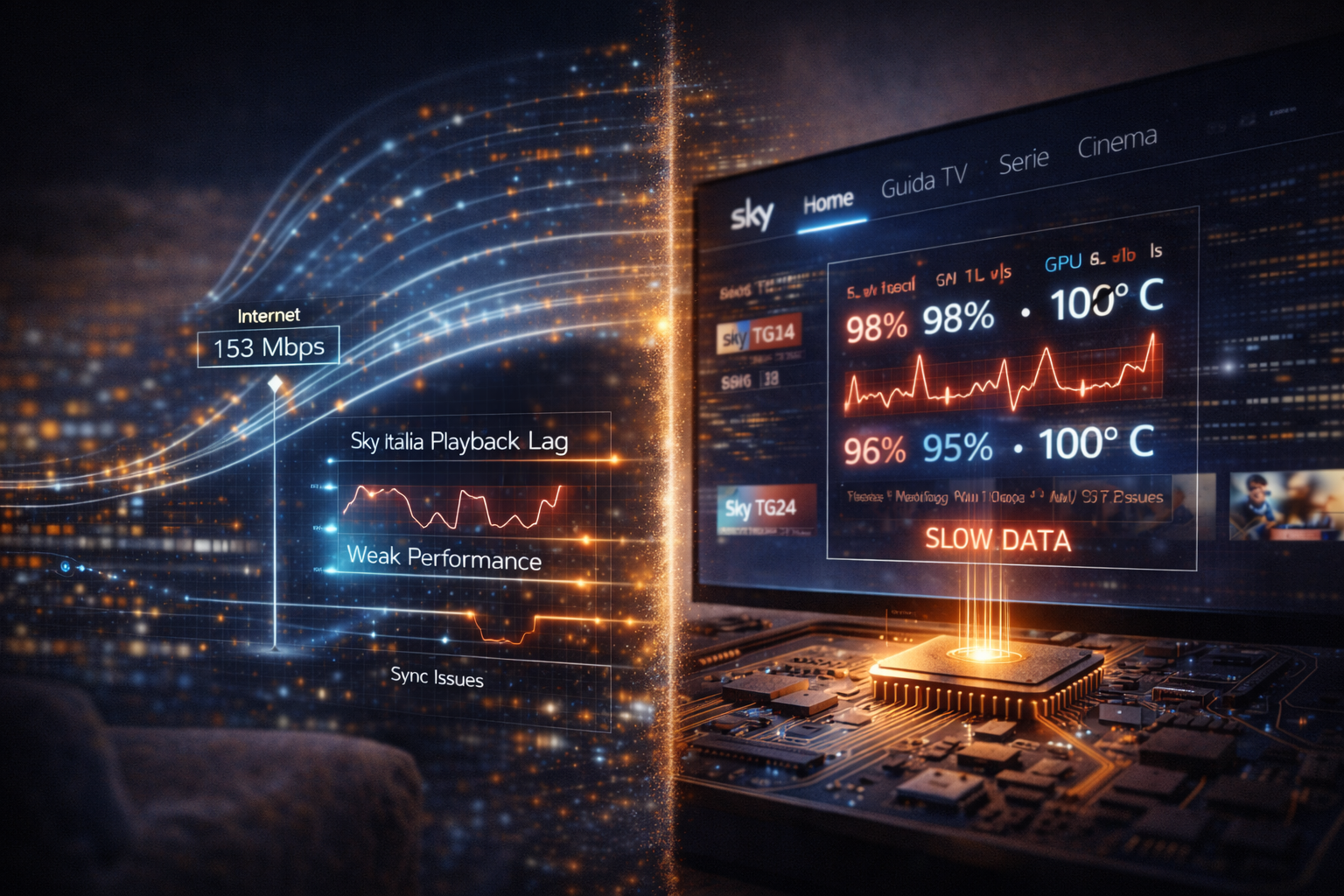
Lag is one of the most misunderstood issues in Sky Italia streaming. The picture may stutter, audio may fall out of sync, or the stream may feel delayed compared to real time events. Most users immediately blame the internet connection, but in many cases the real cause is not so simple.
Lag can come from two main sources. The network that delivers the data, and the device that processes it. Both play critical roles, and both can create similar symptoms on screen. Understanding the difference between these two sources is essential for accurate troubleshooting.
Quick Context. Sky Italia lag is caused either by network issues such as latency and instability, or by device limitations such as decoding delays and processing bottlenecks. Identifying which one is responsible is key to fixing the problem.
Table of Contents
What lag actually means in streaming
How device performance causes lag
Video decoding and frame timing
WiFi and local network effects
What lag actually means in streaming
Lag in streaming refers to a delay or inconsistency in playback. It can appear as slow response, delayed video compared to real events, or stuttering frames.
Unlike buffering, which is a complete pause, lag often allows playback to continue but not smoothly. The stream may feel behind or unstable.
This distinction is important. Lag indicates timing issues rather than complete data loss.
How network issues cause lag
The network is responsible for delivering video data from servers to your device. If this delivery is inconsistent, lag appears.
Network lag is often caused by unstable bandwidth, packet delay, or routing inefficiencies. Even if speed is high, these issues can disrupt timing.
Streaming depends on continuous data flow. When data arrives unevenly, playback timing becomes irregular.
Latency and delay in playback
Latency plays a major role in network related lag. High latency increases the time it takes for data to travel from server to device.
This delay affects how quickly the buffer can refill. It also increases the gap between real time events and what you see on screen.
Latency is especially noticeable during live content, where even small delays become visible.
How device performance causes lag
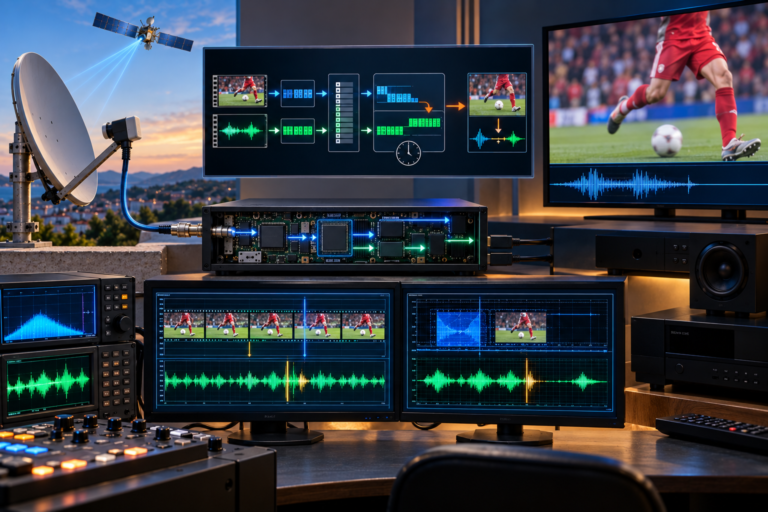
Devices are responsible for decoding video and displaying it in real time. If the device cannot keep up with incoming data, lag occurs.
This type of lag is different from network lag. Data may arrive correctly, but the device processes it too slowly.
Older devices or those with limited resources are more likely to experience this issue.
Video decoding and frame timing
Streaming video is compressed and must be decoded before display. This process requires processing power.
If decoding is slow, frames may be delayed or dropped. This creates stutter or lag.
Frame timing must remain consistent for smooth playback. Any delay in decoding affects synchronization.
High resolution streams require more processing, which can increase the risk of device lag.
WiFi and local network effects
WiFi can contribute to network lag. Interference, congestion, and signal variability affect data delivery.
Multiple devices sharing the network can increase load. This affects timing even if overall speed remains high.
Ethernet connections provide more consistent delivery and often reduce network related lag.
How to tell network lag from device lag
Network lag often affects all devices on the same connection. If multiple devices show similar delays, the network is likely the cause.
Device lag usually affects only one device. Other devices may work normally under the same conditions.
Network lag often appears as delayed start or buffering. Device lag appears as stutter or slow frame updates.
Comparing behavior across devices is one of the most effective ways to identify the source.
Step by step diagnosis method
Start by testing another device on the same network. If the problem disappears, the issue is device related.
Switch from WiFi to Ethernet. If lag improves, the network path was unstable.
Check latency using network tools. High latency indicates network delay.
Restart the device and app. This clears temporary performance issues.
Observe patterns. If lag appears after long usage, device performance may be the cause. If it appears during peak hours, network congestion may be involved.
Using a structured approach helps isolate the problem more accurately.
| Source | Technical Cause | Symptom | Check Method |
|---|---|---|---|
| Network | High latency | Delayed playback | Test connection delay |
| Network | Unstable bandwidth | Irregular playback | Monitor stability |
| Device | Slow decoding | Frame stutter | Test another device |
| Device | Low memory | Lag over time | Restart device |
| WiFi | Interference | Random lag | Use Ethernet |
Reality Check
Lag is not always caused by the internet connection. In many cases, the device is the limiting factor. Both network and device must perform well for smooth streaming. Ignoring one side often leads to incorrect conclusions.
Final Verdict
Sky Italia lag issues are the result of interaction between network delivery and device performance. Network problems create delays in data arrival, while device limitations affect how that data is processed. Understanding the difference allows for more accurate troubleshooting and better results. In streaming systems, performance depends on balance between delivery and processing.
FAQ
| Question | Answer |
|---|---|
| What causes lag in Sky Italia streaming | Lag is caused by either network instability or device performance limitations. |
| How can I tell if lag is from the network | If multiple devices show the same issue, the network is likely the cause. |
| Can my device cause lag | Yes. Slow decoding or limited resources can create lag. |
| Does WiFi affect lag | Yes. WiFi instability can increase network related lag. |
| How can I reduce lag | Use a stable connection, reduce interference, and ensure your device performs well. |